Enhancing Website Security With Your CMS

Enhancing Website Security with Your CMS
When enhancing your website's security through your CMS, it is essential to focus on several key areas. Regular updates, strong password policies, and user access controls are fundamental. However, have you considered how security plugins and data encryption can serve as primary defenses against potential threats? By taking a proactive approach and implementing these measures, you can significantly reduce vulnerabilities. Additionally, monitoring user activity and recognizing common security threats are crucial for safeguarding your site. Understanding these aspects can make a substantial difference in your site's overall security.
Understanding CMS Security
To ensure your website remains safe, comprehending CMS security is crucial. Although a CMS simplifies website management, it also assigns you the responsibility of implementing security best practices. Prioritize addressing vulnerabilities such as SQL injection and cross-site scripting (XSS) attacks. These threats can be mitigated using the CMS's built-in security features, including user access controls and data encryption.
Implementing strong password policies is another key element. Encourage users to create complex passwords and mandate regular updates. Combining this with two-factor authentication (2FA) adds an extra layer of security, significantly reducing the risk of unauthorized access. Considering that 43% of cyberattacks target small businesses, these precautions are vital.
Regular software updates are essential for maintaining CMS security. Outdated components, particularly plugins, are common entry points for attackers and account for about 56% of WordPress attacks. Keeping your CMS and its plugins up-to-date will help protect against these vulnerabilities.
Lastly, continuous monitoring and regular security audits are indispensable. These practices help identify and remediate vulnerabilities before they can be exploited, thereby safeguarding your website against evolving cyber threats. By adhering to these practices, you can ensure a robust security posture for your CMS.
Importance of Regular Updates
Regularly updating your CMS, plugins, and themes is essential to patch security vulnerabilities and prevent data breaches. Ignoring these updates can expose your system to significant risks, including cyberattacks that exploit outdated software. By adhering to a consistent update schedule, you safeguard sensitive data, enhance site performance, and gain access to new features.
Patch Security Vulnerabilities
Regularly updating your CMS and its plugins/themes is crucial for maintaining website security. These updates often include essential security patches that address known vulnerabilities, thereby reducing the risk of cyber threats and unauthorized access to your website data.
Outdated software poses a significant risk; nearly 56% of WordPress attacks exploit older versions. Neglecting updates leaves your site vulnerable, and statistics show that 43% of cyberattacks specifically target small businesses. Implementing a consistent update schedule can mitigate these risks and protect your data from potential breaches.
In addition to security, regular updates can enhance your site's performance and user experience by fixing bugs and introducing new features. Consider the Equifax breach as a cautionary example—failing to apply a critical update cost them over $4 billion. Don't let a similar situation happen to you.
Incorporating an update schedule into your website maintenance routine is a proactive step toward comprehensive security. Regularly updating your CMS and its components ensures your site remains resilient against emerging threats, keeping your data secure and your business operational.
Prevent Data Breaches
Preventing data breaches relies heavily on the regular updating of your CMS, plugins, and themes. Outdated software presents a significant vulnerability, accounting for around 56% of WordPress attacks. By keeping everything updated, you ensure the latest security patches are applied, addressing common vulnerabilities such as SQL injections, which can otherwise be exploited by cybercriminals.
Regular updates are essential not just for large enterprises but also for small businesses, which are often targeted in 43% of cyberattacks due to their lack of robust security measures. The Equifax breach, resulting from a missed security update, serves as a stark reminder of the consequences of neglecting this crucial aspect. Your web hosting provider can also assist in ensuring regular updates, offering automated options to keep your CMS secure.
Frequent checks for updates help you stay ahead of evolving cyber threats and protect sensitive user data. Additionally, regular updates contribute to better site performance and reduced downtime. Therefore, make it a habit to routinely update your CMS, plugins, and themes to enhance your website's overall security and effectively prevent data breaches.
Enhance Site Performance
Enhancing your website's performance hinges on the power of consistent updates. Regularly updating your CMS, plugins, and themes not only keeps you current but significantly improves overall site performance. Outdated software accounts for approximately 56% of WordPress attacks, making timely updates essential for patching security vulnerabilities and defending against emerging threats.
By maintaining up-to-date software, you safeguard your site from potential data breaches and benefit from enhanced website speed and reduced downtime. Newer software versions typically include optimizations and bug fixes, ensuring your site operates smoothly and efficiently.
Regular updates also ensure compliance with best practices, maintaining your site's reliability and efficiency. For small businesses, which are the target of 43% of cyberattacks, proactive maintenance is crucial.
Here are the key benefits of regular updates:
- Improved Security: Patches vulnerabilities and protects against emerging threats.
- Better Performance: Optimizes speed and reduces downtime, enhancing user experience.
- Best Practices Compliance: Ensures your site adheres to the latest standards, minimizing risks of data breaches.
Incorporating regular updates into your maintenance routine is a straightforward way to keep your website secure and performing optimally.
Strong Password Policies
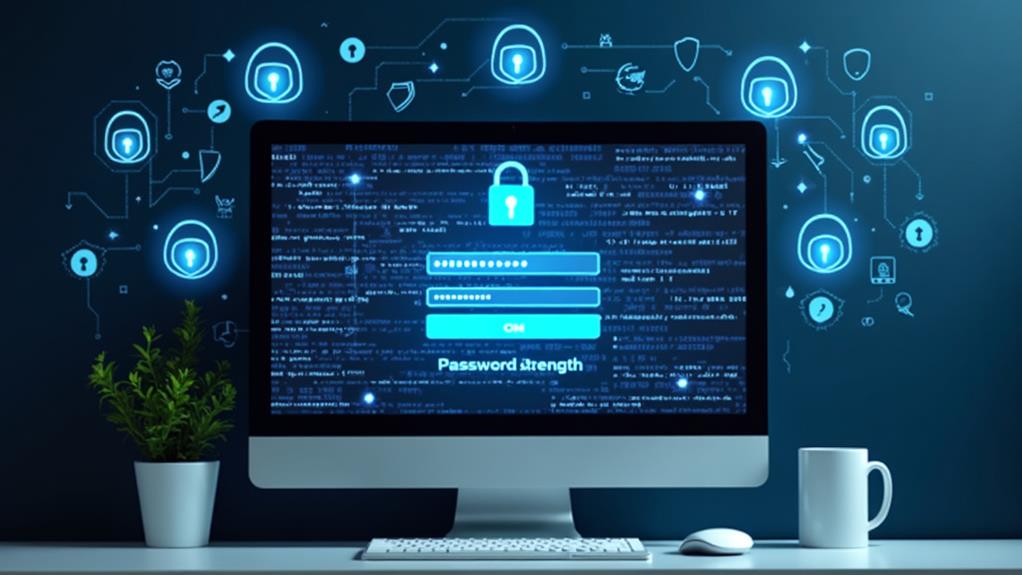
A robust password policy is essential for enhancing website security, particularly when utilizing a Content Management System (CMS). Implementing strong password policies involves mandating complex passwords that incorporate a mix of upper and lower case letters, numbers, and special characters. This significantly reduces the likelihood of unauthorized access. Weak passwords are a major security concern, contributing to approximately 81% of hacking-related breaches. Therefore, adopting stringent password practices is crucial.
Regularly prompting users to update their passwords, ideally every 60 to 90 days, helps maintain security and minimizes the risk of prolonged exposure to compromised credentials. To further enhance security, enforcing two-factor authentication (2FA) is imperative. When properly implemented, 2FA can decrease the likelihood of unauthorized access by 99.9%.
Educating users on the importance of unique passwords for different accounts is essential to prevent credential stuffing attacks, where attackers use stolen credentials from one site to access others. Establishing and enforcing strong password policies can mitigate significant security concerns and safeguard your CMS from potential breaches. Implementing these practices is a proactive measure to maintain the integrity and safety of your website.
User Access Controls
Strong password policies lay a solid foundation for website security, but they're only part of the equation. Effective user access controls are vital for safeguarding your site. By implementing user permissions based on roles, you ensure that only authorized personnel can modify sensitive content and settings. This strategy reduces the risk of data breaches, which is crucial given that 43% of cyber attacks target small businesses.
To bolster your defenses, combine strong password policies with user access controls and two-factor authentication. This multi-layered approach significantly improves account security and minimizes unauthorized access. Regularly reviewing user permissions helps maintain up-to-date access levels, mitigating risks from human error or outdated roles.
Consider these key benefits of user access controls:
- Limited Permissions: Only authorized users can access sensitive areas.
- Reduced Risk: Prevents unauthorized actions and potential data breaches.
- Enhanced Security: Two-factor authentication adds an extra layer of protection.
Utilizing the built-in user authentication systems in your CMS further strengthens these measures by verifying user identities before granting access. Don't overlook the importance of user access controls; they are essential for a secure, well-managed website.
Utilizing Security Plugins

To keep your CMS-powered website secure, consider using essential security plugins like Wordfence and Sucuri. Regularly updating these plugins and configuring features such as automated scanning and two-factor authentication (2FA) can significantly enhance your site's defenses. By diligently maintaining these plugins, you'll mitigate the risk of unauthorized access and data breaches.
Essential Security Plugins
Safeguarding your website requires the deployment of essential security plugins for real-time protection against online threats. These plugins enhance website security through automated scanning and vulnerability identification, ensuring that potential exploits are promptly addressed. Acting as a robust shield, they block malicious traffic and prevent unauthorized access.
Popular options such as Wordfence, Sucuri, and iThemes Security offer comprehensive real-time protection. These plugins monitor login attempts and block IP addresses after repeated failed access attempts, significantly reducing the risk of unauthorized entry. Additionally, they provide two-factor authentication and brute force attack prevention, further securing your site.
To optimize your website's security, consider these fundamental features:
- Automated Scanning: Conducts regular scans for vulnerabilities and malware, providing real-time protection against threats.
- IP Blocking: Identifies and blocks malicious traffic, protecting against unauthorized access attempts.
- Login Monitoring: Tracks login attempts and implements measures like IP blocking after repeated failures, significantly reducing the risk of unauthorized access.
Plugin Update Frequency
While essential security plugins provide robust protection against various online threats, their effectiveness significantly depends on regular updates. Outdated plugins are a known vulnerability, accounting for approximately 56% of WordPress attacks. By maintaining a high frequency of plugin updates, you substantially reduce the risk of vulnerabilities that cybercriminals often exploit.
Security plugins like Wordfence and Sucuri offer automated scanning features that identify weaknesses in core files and installed plugins. These scans help address vulnerabilities before they lead to data breaches. Frequent updates ensure that your plugins are equipped with the latest security patches, new features, and improvements, thereby fortifying your defenses against emerging online threats.
Additionally, many security plugins enable two-factor authentication, adding an extra layer of protection to prevent unauthorized access. This feature is crucial in preventing compromised credentials from being exploited.
Enhancing Login Security
Improving login security is essential in an era where cybercriminals continually develop new tactics to exploit vulnerabilities. To safeguard your website effectively, leveraging security plugins like Wordfence and Sucuri can significantly enhance your security measures. These plugins provide real-time protection by scanning for vulnerabilities and blocking malicious traffic.
Implementing two-factor authentication (2FA) adds an extra layer of security. 2FA requires users to verify their identity using a second factor, making it significantly harder for unauthorized individuals to gain access. Additionally, many security plugins offer features to limit login attempts, which helps prevent brute force attacks that aim to crack weak passwords through repeated guesses.
Key benefits of using security plugins for improving login security include:
- Real-time vulnerability scans: Identify and address outdated plugins and themes, reducing the risk of attacks.
- Two-factor authentication (2FA): Adds an extra verification step for users, enhancing overall login security.
- Limit login attempts: Prevents brute force attacks by restricting the number of login attempts allowed.
Data Encryption Practices
Data encryption practices are crucial for securing communications between users and servers. These practices convert sensitive information into an unreadable format without the correct decryption key. By implementing data encryption through an SSL certificate, your website can use HTTPS, which secures data transmissions and enhances your site's credibility. HTTPS ensures that any data transmitted between users and the server is encrypted, making it highly challenging for unauthorized parties to intercept and read sensitive information.
Implementing security measures like SSL certificates is essential to protect your site and its users. The presence of HTTPS in your URL signifies secure communications and positively impacts your search engine rankings. Search engines prioritize secure websites, giving you an advantage in visibility.
It's crucial to stay updated on the latest encryption protocols and algorithms. Regular updates ensure that your encryption methods remain robust against new types of cyber threats. Outdated encryption can leave your site vulnerable, risking the trust and loyalty of your users. Given that over 80% of internet users are concerned about their data privacy, maintaining strong encryption practices is vital for their continued trust and your site's security.
Monitoring User Activity
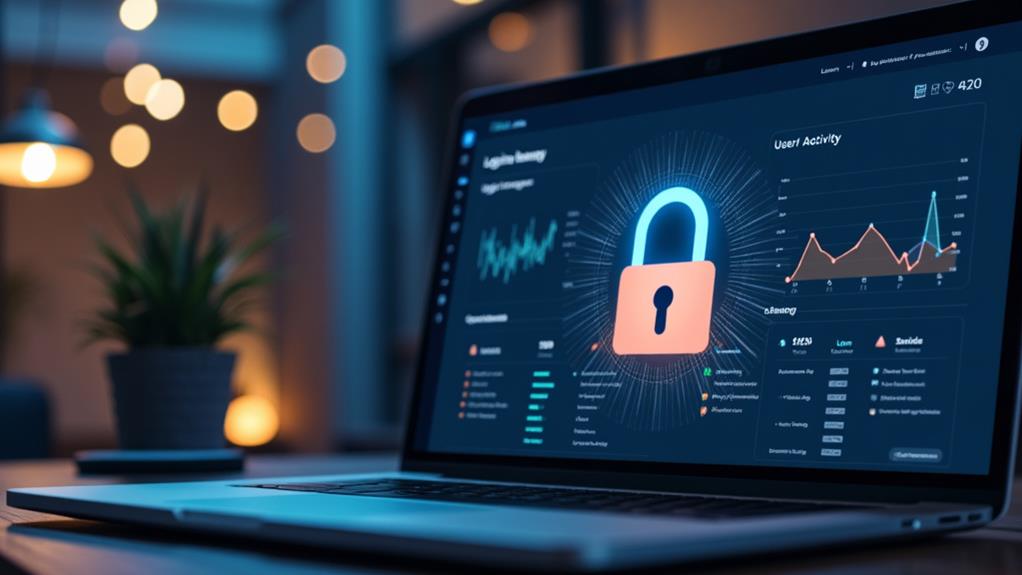
Monitoring user activity on your website is crucial for maintaining a secure online environment. By closely examining activity logs, you can swiftly identify unauthorized access attempts and suspicious behavior, which is essential for enhancing overall security and ensuring your site remains safe from potential threats.
Implementing logging features allows you to track changes made to the website, such as content edits and modifications to user permissions. This not only ensures accountability but also helps you detect unusual activity early on. Regularly reviewing these logs can reveal potential security breaches, enabling prompt action to mitigate risks.
To make monitoring user activity more effective, consider the following measures:
- Utilize plugins that provide detailed analytics on user actions. This helps in understanding user behavior and improving site security measures.
- Set up alerts for unusual user actions, such as multiple failed login attempts. This provides an extra layer of security and prompts immediate investigation.
- Review activity logs regularly to identify any suspicious behavior or unauthorized access attempts, allowing for quick and efficient response.
Common Security Threats
To fortify your website's defenses effectively, it's crucial to understand common security threats. Recognizing these threats enables you and your team to take proactive measures to mitigate risks.
SQL injection attacks exploit vulnerabilities in database queries, allowing attackers to manipulate data and gain unauthorized access to sensitive information. Cross-site scripting (XSS) allows attackers to inject malicious scripts into web pages, potentially compromising user information and session cookies.
Distributed Denial of Service (DDoS) attacks overwhelm server resources by flooding them with excessive traffic, leading to website downtime and service disruption. Brute force attacks aim to crack passwords through repeated login attempts, often exploiting weak password practices to gain unauthorized access to accounts. Phishing attacks deceive users by pretending to be legitimate entities, aiming to steal login credentials and sensitive data. Therefore, user education is crucial for prevention.
Below is a table summarizing these common security threats:
| Threat Type | Description | Prevention |
|---|---|---|
| SQL Injection | Manipulates database data | Input validation, parameterized queries |
| Cross-site Scripting (XSS) | Injects malicious scripts into web pages | Output encoding, content security policy (CSP) |
| Distributed Denial of Service (DDoS) | Overwhelms server with excessive traffic | Traffic filtering, rate limiting |
| Brute Force | Cracks passwords through repeated attempts | Strong passwords, account lockout mechanisms |
| Phishing | Steals data by impersonating legitimate entities | User education, email filtering |
Understanding these threats empowers you to take necessary steps to protect your website and users effectively.