Minimalist vs. Creative: Choosing the Right Google Slides Template for Your Needs

Creating a compelling presentation often starts with selecting the right template. Google Slides offers a range of design options, catering to all styles and purposes. At the heart of the decision lies the question: should you opt for a minimalist design or a creative, visually dynamic template? Both approaches have their merits, and the right choice depends on your content, audience, and goals.
Understanding Minimalist Design
Minimalism in design is all about simplicity and focus. When you choose a minimalist design, you're embracing a clean, clutter-free approach that improves content visibility and guarantees your message stands out.
By using a limited color palette, you not only evoke the desired mood but also maintain legibility, making your presentation both professional and elegant. The emphasis is on clean lines and a focus on content, allowing for clear communication without distractions. With fewer font styles and sizes, your presentation gains a consistent and coherent look.
This approach is perfect for business or academic settings where professionalism is key. Ultimately, minimalist design offers an elegant presentation style that prioritizes clarity and effectively communicates your core message. Additionally, a minimalist approach enhances user engagement by reducing distractions, ensuring that your audience remains focused on the core message of your presentation.
Exploring Creative Templates
When you want to make your presentation truly stand out, exploring creative templates can be a game-changer. These templates captivate with visually striking elements and unique layouts, guaranteeing your message is both memorable and impactful. By incorporating different graphic resources, they raise visual communication and inspire creativity. Consider the following when choosing a creative template:
- Multi-purpose functionality: Adaptable for different topics, templates like the Colorful Theme are versatile.
- Advanced features: Premium options may include AI-generated content and extensive customization options.
- Color schemes and typography: Confirm these elements align with your presentation's message and audience.
- Audience engagement: Creative templates are designed to capture attention and improve interaction.
With these factors in mind, you'll create a compelling presentation that connects with your audience. Additionally, premium options often come with regular updates and superior support, ensuring your templates remain current and functional.
When to Choose Minimalist Templates
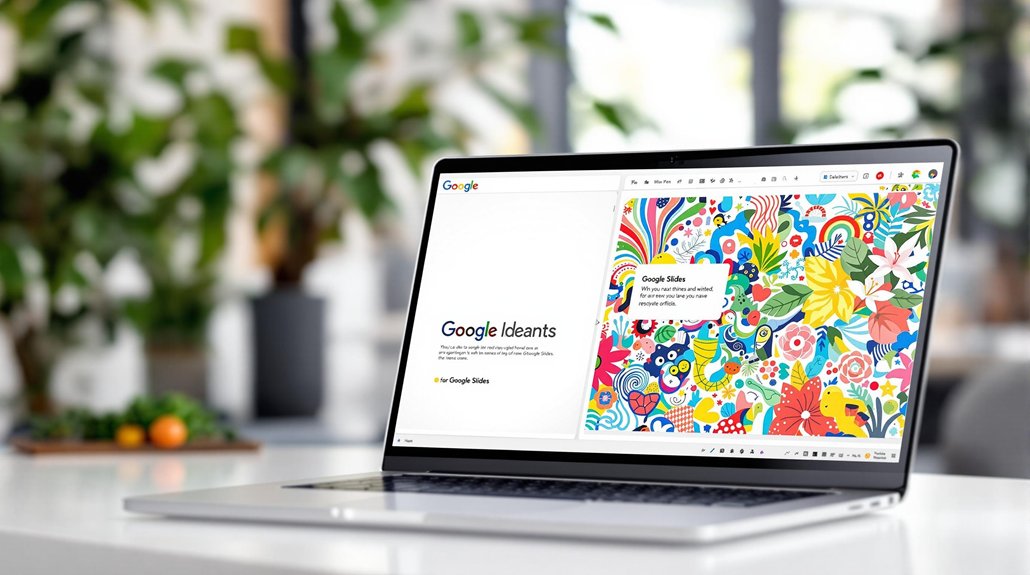
Opt for minimalist templates when you need to improve your presentation's clarity and focus. These templates shine in professional presentations by enhancing content visibility through simplicity. With a limited color palette and straightforward layouts, they guarantee your audience stays engaged, allowing your key messages to stand out with impact.
The modern appearance of minimalist designs adds elegance without overwhelming viewers, making them perfect for academic and corporate settings. You'll appreciate the ease of customization these templates offer. With fewer elements, you can quickly make edits while maintaining a professional look.
Minimalist templates are ideal for delivering concise content, emphasizing clear information hierarchy. When you aim for simplicity and effectiveness, these templates are your go-to choice for a compelling presentation. Minimalist themes emphasize clean, simple design for modern websites, which can translate effectively into presentation templates as well.
Ideal Scenarios for Creative Templates
While minimalist templates offer simplicity, creative templates excel in scenarios where you need to captivate and engage your audience with visually stimulating designs. These templates are perfect for a creative presentation that demands diverse graphic resources and lively visuals, ensuring dynamic presentations that maintain clear visual communication.
Consider using creative templates in the following scenarios:
- Marketing and branding: Unique designs differentiate your presentation, making a lasting impression on potential clients.
- Educational settings: Lively visuals make complex subjects relatable, engaging students with compelling storytelling.
- Investment proposals: A professional aesthetic combined with innovation can attract stakeholders, exemplified by templates like the Engineering Project Proposal.
- Storytelling events: Improve audience retention with visually stimulating designs, as seen in the Podcast Presentation template.
Choose creative templates when you want your message to shine!
Balancing Minimalism and Creativity

Creative templates serve their purpose well in dynamic and engaging presentations, but knowing how to balance them with minimalist elements can improve your presentation to the next level. Start by combining the simplicity and clarity of minimalist templates with the lively colors and unique layouts of creative templates.
This balance guarantees your presentation remains a professional presentation while still enthralling your audience. Focus on maintaining a clear information hierarchy; this allows viewers to easily digest content without feeling overwhelmed. Use engaging visuals carefully to keep attention while preserving legibility.
For instance, bold typography in creative templates can emphasize key points, while minimalist templates can provide a clean backdrop. Ultimately, the right balance depends on your presentation's purpose, making sure it effectively communicates your message.
Customization Options in Templates
How can you guarantee your presentation truly stands out? Immerse yourself in the world of customization options available in premium Google Slides templates. By tailoring your slides to your branding needs, you create a unique presentation that captivates your audience. With editable elements, you can effortlessly insert your images, logos, and content, ensuring a personalized touch.
Consider these features for a standout presentation:
- Drag-and-drop image technology: Simplify adding visuals without design expertise.
- Variety of slide layouts and infographics: Customize your information flow creatively.
- AI-generated content: Quickly generate relevant content that aligns with your theme.
- Unique customization: Adapt colors, fonts, and layouts to improve your presentation's impact.
These tools make it easy to create presentations that are both professional and personalized.
Analyzing Audience Preferences

Why is understanding your audience crucial when choosing a Google Slides template? Knowing your audience's preferences and demographics guarantees your presentation connects with them. For instance, minimalist designs often appeal to corporate audiences who value clarity and professionalism. These audiences are more likely to engage with professional slides that highlight key points through clean layouts and limited text.
Conversely, creative templates may capture the interest of younger audiences or those in creative fields. These groups appreciate visually appealing and unique layouts that enhance engagement. Research suggests 70% of audiences prefer presentations that strike a balance between minimalist and creative elements, augmenting both comprehension and appeal. Selecting the right template aligns with audience expectations, guaranteeing your presentation is effective and memorable.
Brand Alignment
For businesses, aligning your presentation template with your brand identity is crucial. Minimalist templates work well for brands with a sleek, modern, or professional image. These designs often complement company logos, fonts, and color schemes without overshadowing them.
Creative templates, meanwhile, offer flexibility for brands with a playful, bold, or unconventional personality. Imagine a tech startup with a vibrant color palette and quirky branding—creative designs help extend that identity into the presentation, reinforcing the brand’s image while keeping the audience engaged.
Comparing Free and Premium Options
Choosing a template that connects with your audience is half the battle; understanding the differences between free and premium options is the other. Free Google Slides templates offer a cost-effective way to experiment with minimalism or creative design, but they come with limited customization options.
In contrast, premium templates provide unlimited downloads and advanced features for a professional presentation experience.
- Free Options: Access three new templates monthly, perfect for testing styles.
- Premium Benefits: Enjoy unlimited access to exclusive templates and extensive graphic resources.
- Customization: Premium templates allow for advanced editing and AI-generated content.
- Value: While free options are budget-friendly, premium templates enhance your presentations with creative design flexibility.
Choosing between them depends on your presentation needs and desired impact.
Tips for Selecting the Perfect Template
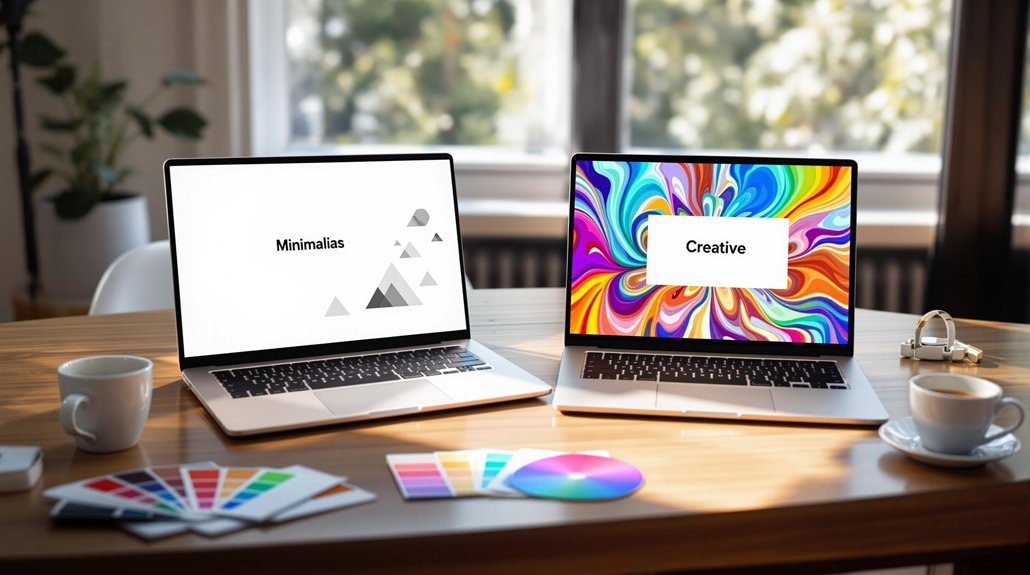
When selecting the perfect Google Slides template, it's vital to initially assess the nature of your presentation. A minimalist design makes a professional and formal setting shine, while a creative presentation that stands out suits dynamic or artistic topics.
Consider your audience expectations; a template aligning with their preferences, regardless of being clean or lively, is significant. Evaluate customization options to guarantee the template allows easy edits with your brand's colors and fonts for consistency.
Look for a clear information hierarchy and cohesive design elements to communicate your message effectively. Utilize free registration options to investigate and save templates. For a broader selection, consider premium memberships offering high-quality designs. With these tips, you'll select a template that perfectly complements your presentation's style and audience.
Final Thoughts
Choosing the right Google Slides template boils down to understanding your audience, purpose, and content. Minimalist templates prioritize clarity and professionalism, making them ideal for data-driven or formal presentations. Creative templates inject energy and personality into your slides, perfect for storytelling or persuasive pitches.
Related posts