Understanding CMS Plugins and Extensions

When managing a website using a Content Management System (CMS), understanding plugins and extensions is crucial for enhancing its functionality without extensive coding. These tools, often developed by third-party creators, enable you to add features like SEO optimization or e-commerce capabilities directly through your dashboard. But what types of plugins should you consider, and how can you ensure they are the right fit for your needs? Let's explore the various aspects of selecting and managing these essential components to keep your site running smoothly and efficiently.
What Are CMS Plugins?
CMS plugins are integral software components that enhance the functionality of content management systems (CMS) without requiring extensive coding skills. They enable users to add new features and capabilities to their websites with just a few clicks. These plugins seamlessly integrate with CMS platforms like WordPress, thereby improving site functionality and user experience.
CMS plugins can be developed by CMS creators, third-party developers, or even users themselves. Known by various names such as extensions, add-ons, or modules, their primary purpose is to expand the capabilities of the CMS. For example, WordPress offers plugins for a wide range of needs, including security enhancements, performance optimization, design customization, and the integration of specific features like e-commerce or analytics tools.
To install and manage these plugins, users typically access the CMS dashboard, where they can browse extensive repositories. WordPress, for instance, provides thousands of plugins to meet nearly any requirement. Regular updates are essential to maintaining compatibility and security, ensuring that the website operates smoothly and effectively.
Types of CMS Plugins
A variety of CMS plugins cater to different needs, enhancing your website's functionality and performance. For instance, SEO plugins are essential for increasing your website's visibility. They help optimize your content for search engines, making it easier for potential visitors to find you. Security plugins are also crucial, offering protection against malware and cyber-attacks to keep your site secure.
E-commerce plugins are indispensable for those managing online stores. They offer the tools needed for product listings, payment gateways, and order management. Performance optimization plugins can improve your site's speed by employing caching mechanisms and image compression. Additionally, social media integration plugins facilitate easy sharing and interaction across multiple platforms, ensuring your content reaches a broader audience.
Here's an overview of different types of plugins and their roles:
| Plugin Type | Functionality | Examples |
|---|---|---|
| SEO Plugins | Improve search engine visibility | Yoast SEO, All in One SEO |
| Security Plugins | Protect against malware and threats | Wordfence, Sucuri |
| E-commerce Plugins | Facilitate online store functionalities | WooCommerce, Shopify |
| Performance Optimization | Enhance website speed | W3 Total Cache, WP Smush |
| Social Media Integration | Enable sharing and interaction | Social Snap, AddThis |
These plugins collectively ensure your website operates efficiently, securely, and remains accessible to a broader audience.
Benefits of Using Plugins

Using plugins offers numerous benefits that can transform your website's functionality. By leveraging pre-built solutions, you save both time and money, as plugins eliminate the need for extensive custom coding. This allows you to rapidly implement new features without waiting for a developer to create custom code. Plugins make customization straightforward, enabling you to tailor your site to meet specific business needs without requiring extensive technical knowledge. This ease of customization ensures your website stands out and functions exactly as you desire.
Enhancing user experience is another significant advantage of using plugins. They can integrate interactive features that make your site more engaging, leading to improved user retention. Visitors are more likely to stay on your site when they find it easy to use and interactive.
Plugins also offer substantial SEO benefits. Many are specifically designed to optimize your site's content for better search engine visibility and rankings. These tools can help you improve your site's SEO without needing to be an expert, ensuring your content reaches a broader audience.
How Plugins Work
When you install a plugin, it integrates supplementary software into your Content Management System (CMS), enhancing or modifying its existing features without altering the core code. This allows you to expand your site's functionality without engaging in complex coding. Plugins are typically developed using languages like PHP, JavaScript, or HTML and must comply with platform-specific guidelines, such as the WordPress Plugin API for WordPress plugins.
Plugins operate through hooks and filters, which enable them to interact with your CMS's core functionality. These hooks and filters ensure that the plugin functions seamlessly, maintaining compatibility and minimizing conflicts with your CMS's core features. This seamless integration is crucial for preserving the stability and reliability of your site.
Well-designed plugins adhere to best practices to prevent security vulnerabilities and ensure smooth integration with the CMS framework. This means you can confidently enhance your site's capabilities, knowing that the plugin will not compromise your site's security or performance.
Plugins can be easily installed and activated through your CMS dashboard, making it simple to enhance your site's functionality without requiring extensive coding knowledge. By understanding how plugins work, you can make informed decisions about which ones to install and how they can benefit your site.
Installing and Managing Plugins
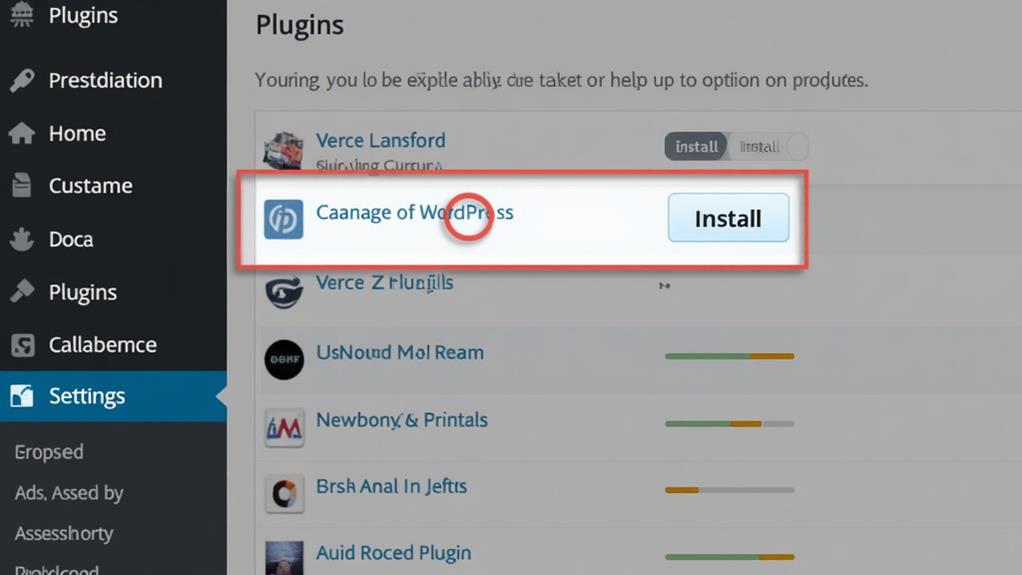
Understanding how plugins work is crucial for effectively installing and managing them. To begin the installation process in your CMS, navigate to the Plugins or Extensions section in the dashboard. Here, you can search for the desired plugin and click the "Install" button. After installation, you must activate the plugin from the same Plugins section to ensure it integrates properly into your CMS.
Effective plugin management is essential for maintaining your site's health. Regularly check for updates in the plugin management area to ensure compatibility and security. Outdated plugins can introduce vulnerabilities, so keeping them current is vital. Always create a backup of your website before installing new plugins to prevent potential data loss or conflicts.
Additionally, evaluate user reviews, the plugin's update frequency, and the developer's credibility to gauge reliability and performance. This approach makes your installation choices more informed and reduces the risk of issues. By following these practices, you can manage plugins efficiently, keeping your website robust and secure.
Choosing the Right Plugins
When selecting the right plugins, first ensure they are compatible with your CMS to prevent conflicts. Focus on plugins that provide essential features and enhance your website's functionality. Check the developers' credibility by reviewing their support history and community engagement.
Evaluate Plugin Compatibility
Before integrating any new plugin into your CMS, it's essential to thoroughly evaluate its compatibility to prevent potential issues. Start by confirming that the plugin is compatible with your current CMS version. Outdated plugins can lead to functionality issues or even crashes, disrupting your site's performance.
Review the plugin's documentation and support resources. Ensure that it meets your specific requirements and offers clear troubleshooting guidance. This can save considerable time and effort if you encounter any problems. User ratings and reviews provide valuable insights into the plugin's reliability and performance. Reading through other users' experiences can help you identify common issues and determine whether the plugin is worth your investment.
Regular updates are crucial. A plugin that receives frequent updates from its developers indicates ongoing support and enhanced security. Regular updates minimize vulnerabilities and help keep your site secure.
Lastly, always test new plugins in a staging environment. This allows you to assess their impact on site performance and compatibility with existing plugins and themes before going live, ensuring a smooth integration.
Prioritize Essential Features
After verifying compatibility, prioritize essential features for your CMS plugins. Start by identifying plugins that align with your website's core objectives, such as SEO, security, and performance optimization. These features enhance your website's effectiveness and user experience.
Next, ensure plugin compatibility with both your CMS version and other installed plugins. This step minimizes potential conflicts and ensures seamless functionality. The last thing you want is for a new plugin to disrupt your site's operations. User reviews and ratings are invaluable for gauging the reliability and performance of plugins before installation. Checking these can identify potential issues and confirm that the plugin meets your needs without causing problems.
Regular updates are crucial. Outdated plugins can introduce vulnerabilities, compromising your website's security and performance. Always opt for plugins that are regularly updated to maintain security and compatibility.
Verify Developer Credibility
How can you ensure you're selecting the right plugins for your CMS? Verifying developer credibility is crucial to avoid security risks and ensure seamless integration. Begin by evaluating the developer's reputation. Visit their website, examine their previous plugins, and read user reviews. A history of reliable and secure solutions is a strong indicator of credibility.
Next, assess the plugin's activity in the CMS repository. Look for:
- Regular updates: Frequent updates indicate active maintenance, addressing bugs and security vulnerabilities.
- High ratings and installations: A significant number of active installations and positive ratings suggest reliability and user trust.
- Compatibility information: Trustworthy developers provide detailed compatibility information, ensuring their plugin works with your CMS version and other plugins.
Support options are also essential. Comprehensive documentation, active forums, and responsive customer service reflect the developer's commitment to user assistance. This support can be crucial if you encounter issues or need guidance.