What Does an Image Compressor Do?
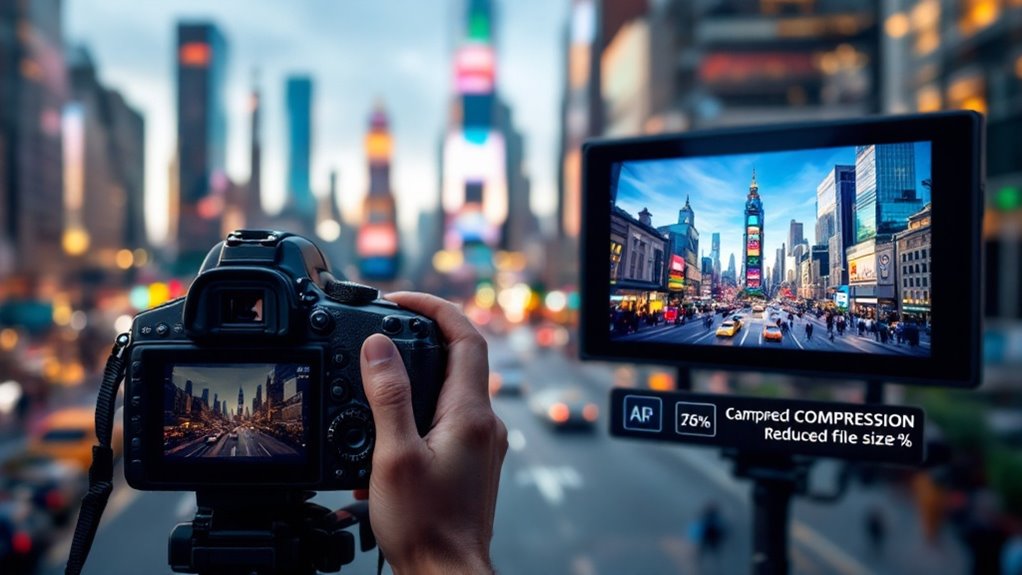
An image compressor reduces the file size of images, making them easier to store, transmit, and display without noticeable quality loss. You can use lossy compression to prioritize smaller sizes with slight quality trade-offs or choose lossless compression to preserve every detail. This helps with faster web page load times, improves search engine rankings, and optimizes storage.
Tools like TinyPNG and plugins for WordPress automate this process, ensuring your images are efficiently managed. By using an image compressor, you can boost your digital efficiency and learn about newer techniques and trends transforming image handling today.
Understanding Image Compression
With regards to understanding image compression, it is important to comprehend how this process influences file size and quality. When you use image compression, you're fundamentally choosing between two main techniques: lossy and lossless. Each method affects your image file size differently. Lossy compression, like in JPEGs or WebP files, removes non-critical data, greatly reducing file sizes. Although some data is lost, the visual quality remains acceptable for most uses, making it a popular choice when you need smaller files.
On the other hand, lossless compression, found in formats like PNG or TIFF, retains all the original image data. This means you won't lose any quality, but the file sizes are typically larger. It's useful when you need the exact original quality, such as in professional photography or graphic design.
The choice between lossy and lossless depends on your priorities for file size and quality. Algorithms used in image compression, such as Huffman coding and discrete cosine transform, play a fundamental role in optimizing how data is stored and transmitted. Understanding these concepts helps you make informed decisions about how to efficiently manage and store your images.
Importance of Image Compression
Balancing file size and quality in image compression isn't just a technical choice; it's a practical one that impacts everyday digital experiences. When you utilize image compression, you're not only minimizing the file size but also ensuring your images maintain acceptable quality. This is essential regardless of you're sharing photos online, storing them for personal use, or managing a business website.
By choosing between lossy and lossless compression, you can effectively reduce file size, which considerably decreases bandwidth usage. This reduction leads to faster internet transmission and improved load times for web pages, enhancing the comprehensive user experience. Implementing a Lazy Load Plugin can further enhance page loading times by only loading images when they are visible in the browser window, thus reducing bandwidth usage even more. Faster loading speeds from compressed images can enhance engagement metrics and improve your site's search engine rankings.
This is because search engines favor websites that offer quicker load times, which keeps users from bouncing off your page. Furthermore, by reducing file size, you can manage digital assets more efficiently, accommodating more files within limited storage space and preventing network congestion. Effective compression can achieve dramatic reductions in file size, with lossy formats like JPEG offering ratios up to 10:1, often without noticeable quality loss. This means better performance and more storage flexibility for your digital life.
Types of Image Compression
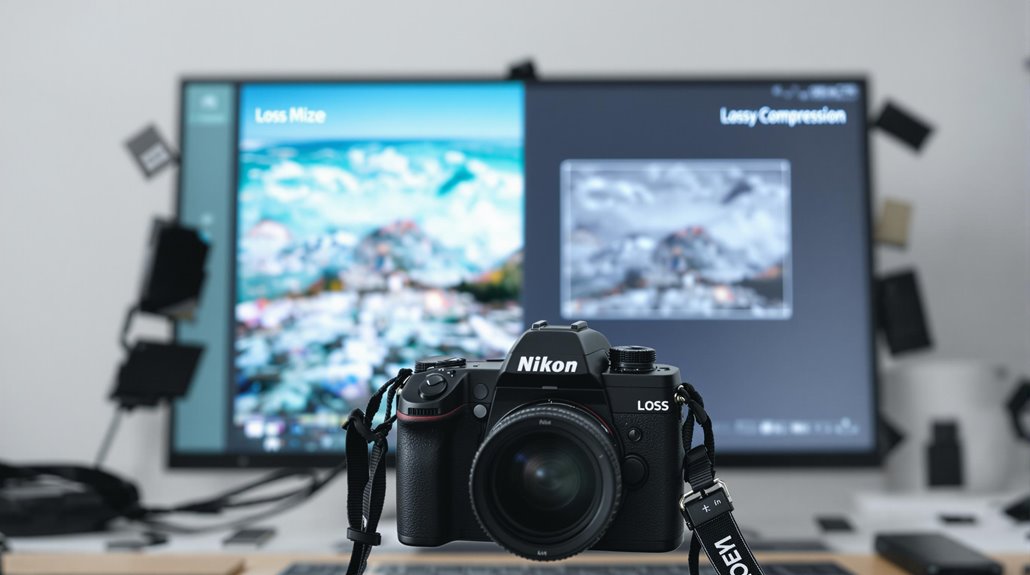
Understanding the types of image compression is vital for managing your digital images effectively. Image compression falls into two main categories: lossy compression and lossless compression. Each serves a distinct purpose and is suitable for different scenarios. Lossy compression notably reduces file size by removing non-critical data, making it ideal for web use where smaller file sizes are essential. Common lossy image formats include JPEG and WebP, which can achieve impressive compression ratios, sometimes as high as 10:1, while still maintaining acceptable visual quality.
On the other hand, lossless compression retains all the original data, preserving the image quality entirely. This makes it indispensable when fidelity is vital, such as in professional photography or archival purposes. Formats like PNG and BMP are popular choices when you need every detail intact, although they typically result in larger file sizes compared to their lossy counterparts.
Techniques like transform coding, particularly using Discrete Cosine Transform (DCT), are fundamental in lossy compression, especially with JPEGs. Moreover, color quantization helps reduce file size by minimizing the color space, as seen in GIFs. Understanding these differences will help you choose the right compression type for your needs.
Lossy Compression Explained
In regard to lossy compression, you're looking at a method that slashes file sizes by cutting out non-essential data. This process considerably reduces the file size, often achieving compression ratios of 10:1 or more. It's a popular choice for web images and digital photography, primarily due to its balance between efficiency and acceptable image quality loss. One of the most prevalent lossy compression methods is the JPEG format, which dominates the web for its ability to maintain a visually pleasing image despite the reduced size.
When using lossy compression, you can adjust the degree of compression to suit your needs. This means you have the flexibility to prioritize either image quality or file size. However, be cautious—applying lossy compression repeatedly can lead to noticeable image distortion. To preserve quality, limit the number of times you save an image in a lossy format. Lossy compression shines in web applications, where minor quality reductions are typically imperceptible, considerably enhancing page loading speeds and improving user experience.
By understanding how to utilize these methods effectively, you can maintain a practical balance between image quality and performance online. Additionally, image file size optimization is crucial for faster load times and better user experience.
Lossless Compression Explained
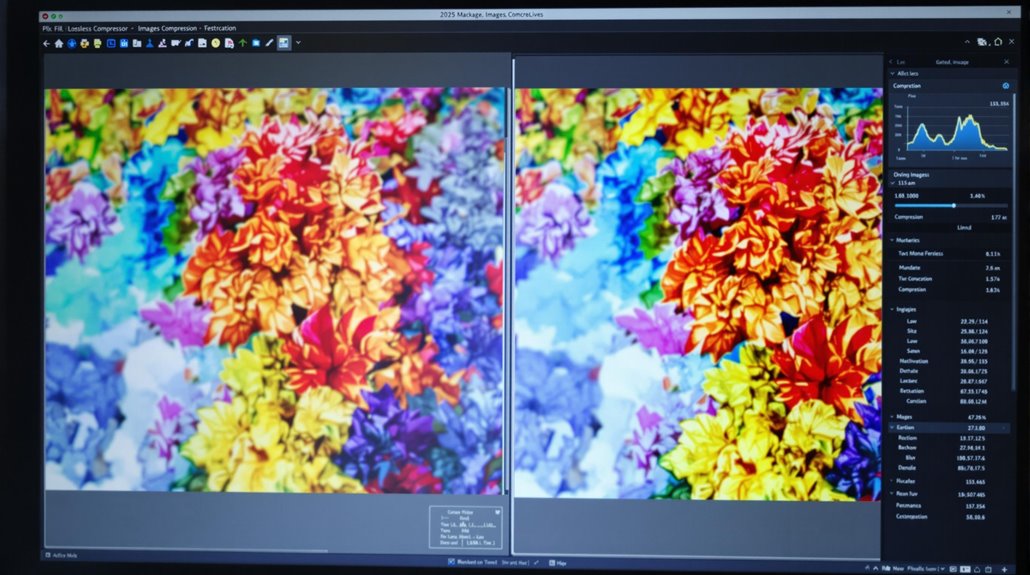
Unlike lossy methods, lossless compression retains every bit of data from the original image, ensuring you can restore it to its full quality after decompression. This makes it indispensable when image fidelity is essential, such as in medical imaging or technical drawings. Common formats utilizing lossless compression include PNG, BMP, and GIF. PNG is particularly favored for images requiring transparency and high detail, maintaining quality without compromise.
Lossless compression can shrink file sizes by up to 40%, although it's generally not as effective as lossy techniques for creating web-optimized files. Despite this, lossless compression methods play a significant role in preserving image integrity. One popular technique is Run-Length Encoding (RLE), which efficiently stores repeated pixel data, reducing total file size without losing any original information. Another method employed is LZW, often used in GIFs, which further improves compression efficiency. Additionally, image optimization tools can automate the compression process, ensuring both efficiency and quality are maintained.
Common Compression Algorithms
While lossless compression methods guarantee fidelity, many image compression scenarios benefit from a range of algorithms that balance quality and file size. One popular compression technique is Transform Coding, which employs the Discrete Cosine Transform (DCT). This method is central to JPEG compression, effectively reducing file size by focusing on significant frequency components. It's perfect when you need a smaller file with decent quality.
Run-Length Encoding (RLE) is another straightforward approach. It compresses images with large uniform color areas by encoding consecutive repeated pixels as a single value and count. You'll find this particularly useful for simple graphics or icons.
Huffman Coding is a lossless compression algorithm that optimizes storage by assigning variable-length codes based on character frequency. It's efficient and widely used in multiple formats.
LZW (Lempel-Ziv-Welch) is the backbone of GIF compression, replacing repeated data patterns with shorter representations. This lossless method is great for preserving image quality.
Flate/Deflate combines LZ77 and Huffman coding, providing a balance between compression efficiency and speed. Commonly used in PNGs, it's ideal when you need both quality and reduced size.
To enhance image optimization on WordPress, you can utilize plugins for automatic image optimization and resizing, ensuring faster load times and improved site performance.
- Uncover the art of transforming images
- Experience seamless storage optimization
- Accept efficient data representation
- Release the power of lossless compression
- Feel the satisfaction of compact, quality images
Benefits of Using Compressors
With image compressors, you can transform storage management and web performance. By using advanced image compression algorithms, you can considerably reduce image file sizes, which is vital when managing large volumes of images on devices and servers. This reduction means more space for other essential data and smoother operations without the constant worry of running out of storage.
Furthermore, smaller image files mean faster website loading speeds. This increase in speed not only improves user experience but also elevates your website's search engine rankings. Visitors won't get frustrated waiting for images to load, and your site's performance will reflect positively in search engines.
Image compressors also help reduce bandwidth usage during uploads and downloads. For those with limited internet speeds, this is a game-changer. Service providers benefit too, as lower bandwidth usage means reduced costs.
While using lossy and lossless image formats, you can achieve substantial size reductions with minimal quality loss. Lossy formats can offer compression ratios up to 10:1. In addition, modern formats like WebP provide better quality at smaller sizes, making your images more efficient for web use without sacrificing visual appeal.
Tools for Image Compression
In the context of choosing tools for image compression, you've got a range of options tailored to your needs. Regardless of whether you're aiming for lossless or lossy compression, there are tools that can help you achieve perfectly compressed images without sacrificing quality. TinyPNG and JPEGmini are fantastic for reducing file size while maintaining a balance between quality and performance.
For those who prefer a more hands-on approach, Adobe Photoshop offers advanced features to manually adjust compression settings, optimizing images for specific formats and needs.
If you're looking for a budget-friendly option, GIMP is a free, open-source software that provides effective compression capabilities alongside a multitude of editing tools. Online compressors like Compressor.io support multiple formats, ensuring significant file size reductions without a hit to image quality.
Here's why you should investigate these tools:
- Save storage space: Compress images and free up valuable storage.
- Boost website speed: Faster load times with smaller image files.
- Maintain image quality: Enjoy high-quality visuals with efficient compression.
- Convenience at your fingertips: Access tools online or offline.
- Flexibility in formats: Compress images in different formats effortlessly.
Cloud-based services like Google Drive can also be used for storing compressed images. Just keep an eye on any automatic compression that might affect file quality.
Future Trends in Compression

The future of image compression is brimming with exciting advancements that promise to revolutionize how we handle digital images. As AI and machine learning technologies evolve, they're set to improve image compression algorithms, making data reduction more efficient while preserving quality. Imagine modern image formats like AVIF stepping up with superior compression rates, allowing you to enjoy smaller file sizes without losing visual fidelity. This means smoother uploads, faster downloads, and less storage space used on your devices.
You're also likely to see a shift towards responsive image techniques. These smart systems adapt image quality and resolution based on your device's display, optimizing both performance and user experience. No more unnecessary data usage or slow loading times; compression reduces these issues considerably.
Moreover, continuous advancements in web standards put image optimization at the forefront. This trend impacts how images are handled and displayed across different platforms, ensuring more uniform and efficient experiences. Keep an eye out for groundbreaking compression methods, including generative models and advanced coding techniques. These developments promise to push the boundaries of what's possible in modern image compression, offering even greater capabilities and efficiencies in the near future.