Creating a Multilingual Website With Your CMS
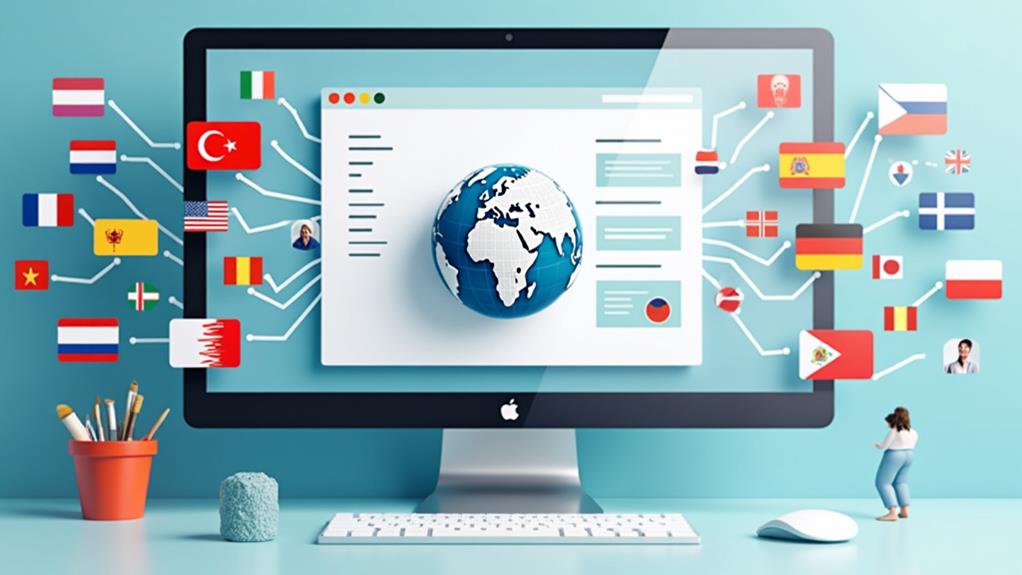
When planning to create a multilingual website with your CMS, the first step is selecting an appropriate platform, such as WordPress, Drupal, or Joomla, each offering built-in multilingual capabilities. You will need to configure global language settings and establish a structured site architecture to handle multiple languages efficiently. Furthermore, employing translation management tools can streamline your workflow. But how do you ensure a seamless user experience and maintain effective localized SEO practices? This endeavor involves more than just technical setup—it requires strategic planning and ongoing management.
Choosing the Right CMS
Selecting an appropriate Content Management System (CMS) is crucial for creating and managing a multilingual website effectively. Options such as WordPress, Drupal, Joomla, and Adobe Experience Manager (AEM) each bring unique advantages to a multilingual CMS setup.
WordPress powers over 43% of websites and is renowned for its user-friendly multilingual plugins like WPML. This makes it accessible for businesses of all sizes, providing a straightforward approach to managing multilingual sites. If you're seeking simplicity without sacrificing functionality, WordPress may be your optimal choice.
For complex international projects, Drupal stands out due to its high customizability and ability to handle large-scale multilingual sites. With support for 94 languages and around 46,000 available modules, Drupal offers unparalleled flexibility. It is ideal for advanced translation workflows and robust content management needs.
Joomla also offers built-in multilingual capabilities, catering to more intricate websites. Its advanced user permissions and flexibility simplify the management of multilingual sites.
Lastly, Adobe Experience Manager (AEM) serves as an enterprise-level solution with AI-powered translation workflows, suitable for large corporations requiring high customization. AEM is a premier choice for robust and scalable multilingual content management.
Setting Up Localization
To set up localization, begin by configuring the global language settings in your Content Management System (CMS) to include all desired languages, such as English, German, and French. Next, organize your content with a structured site architecture by creating separate directories for each language. Finally, implement a language switcher in your templates to allow users to easily switch between languages.
Configuring Language Settings
To configure localization for your multilingual website, begin by accessing your CMS's configuration file, such as opencms-system.xml, to define the supported locales. Establishing language settings is crucial for an effective multilingual content management system. Start by setting default languages like English, German, and French. After making these changes, restart your CMS to ensure the new configurations are applied.
Ensure your site features a language switcher, a tool that allows users to easily switch between different languages. You can integrate this feature by modifying existing templates or creating new components specifically for language switching. The objective is to facilitate smooth navigation between languages.
You have two primary methods for managing multilingual content: the Multi-Tree and Single-Tree approaches. The Multi-Tree method provides greater flexibility by allowing you to manage different site variants independently. Conversely, the Single-Tree method simplifies management by maintaining a unified folder structure.
Translation Workflow Setup
Setting up an efficient translation workflow is crucial for maintaining a seamless multilingual website. Begin by integrating both on-demand and scheduled batch translations. This approach optimizes the management of multilingual content and ensures timely updates. For accuracy, implement pseudolocalization and use staging sites. These tools allow you to verify translations before they go live, ensuring high quality.
In-CMS testing is another critical step. It streamlines the translation process and helps maintain brand consistency across all language versions. Utilize tools like the Acclaro API for custom integration solutions, which support diverse languages and ensure complete Unicode compliance.
To keep your brand message unified, encourage collaboration among team members throughout the translation process. This guarantees alignment with your brand's voice and standards.
Here's a quick comparison to help guide your decision-making:
| Translation Method | Benefits |
|---|---|
| On-Demand | Timely updates, flexibility |
| Scheduled Batch | Efficiency, bulk processing |
| Pseudolocalization | Quality verification, accuracy |
Translation Workflow

A well-structured translation workflow is essential for creating an effective multilingual website. You can initiate translation processes either on-demand or through scheduled batch translations to manage content updates efficiently. Utilizing pseudolocalization and staging sites ensures accuracy and maintains content quality before launching your multilingual websites. Implementing in-CMS testing streamlines your translation workflow, allowing for immediate adjustments and quality assurance directly within your content management system (CMS).
To enhance efficiency and maintain a consistent brand message across all languages, consider the following:
- Use translation management tools and APIs: These can significantly enhance your localization efforts by offering custom integration solutions.
- Foster collaboration among translation team members: Ensure everyone is aligned to maintain consistency.
- Maintain complete Unicode support: This ensures that all characters and symbols are displayed correctly across different languages.
- Leverage pseudolocalization and staging sites: This helps in verifying the accuracy and quality of translations before the website goes live.
Expert Consultation
Creating an effective multilingual website necessitates expert consultation. By leveraging the expertise of seasoned translation agencies, you can obtain an initial assessment to evaluate your localization needs and receive tailored recommendations for your content management system (CMS). These professionals guide you in selecting the appropriate translation tools, ensuring that your multilingual site aligns with your business objectives.
Expert consultants provide ongoing support throughout the localization process. This includes troubleshooting issues, optimizing performance, and sharing best practices to maintain brand consistency across all languages. Their services cover over 125 languages, which is invaluable for navigating cultural nuances and meeting global compliance requirements.
Engaging with expert consultants can significantly enhance the efficiency of your translation workflows. It guarantees high-quality content management while minimizing errors and inconsistencies across your multilingual platforms. With their guidance, you can seamlessly integrate translation tools into your CMS, making your multilingual website more robust and reliable. Trusting experts to manage these complexities allows you to focus on your core business activities, ensuring your global audience enjoys a consistent and high-quality user experience.
CMS Integration Options
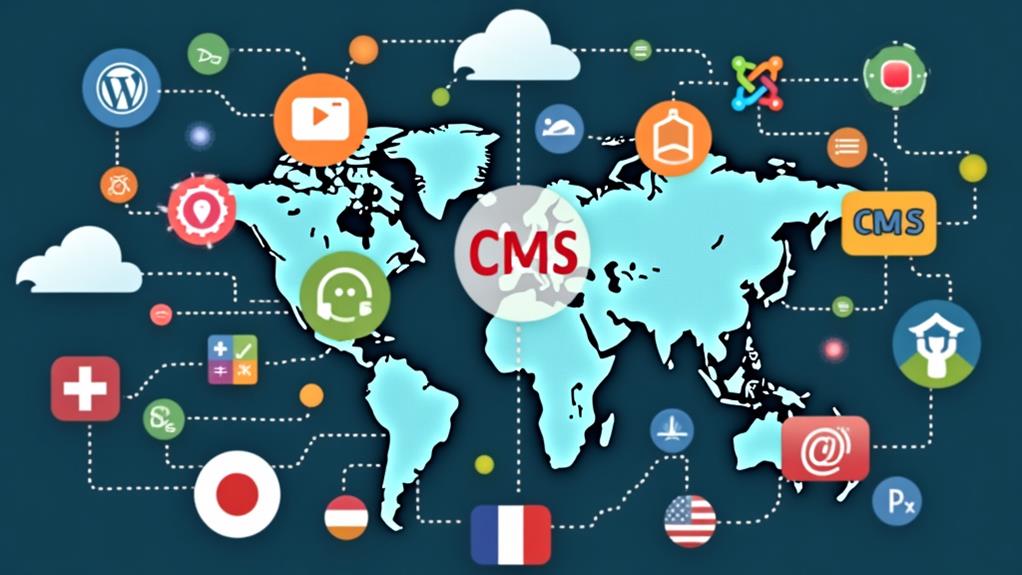
When setting up a multilingual website, selecting the right CMS integration options is crucial. Popular platforms like WordPress, Drupal, and Craft CMS offer efficient plugin integration and seamless API connectivity to streamline localization efforts. Custom workflow solutions, such as the Acclaro API, can further enhance translation management and consistency.
Efficient Plugin Integration
Integrating plugins efficiently within your CMS is crucial for creating a seamless multilingual website experience. Platforms like WordPress, Drupal, AEM, and Craft CMS offer robust plugin integration options that can significantly enhance your localization efforts. For example, Craft CMS excels in managing multilingual content at the entry level, allowing you to configure each language-specific site with its own settings and URL structure, ensuring effective translations.
Here's how to streamline plugin integration across your content management system (CMS):
- Leverage Multilingual Plugins: Platforms like WordPress offer numerous options, such as WPML, to manage translations effectively.
- Utilize Custom Integration Solutions: Acclaro API provides tailored solutions that boost localization efficiency.
- Optimize Craft CMS Capabilities: Use Craft CMS to manage multilingual content directly, ensuring each language variant is well-organized.
- Enhance SEO with Plugins: Tools like SEOmatic in Craft CMS add hreflang tags and automate important SEO tasks, improving visibility for multilingual content.
Seamless API Connectivity
Seamless API connectivity builds on the foundation of efficient plugin integration to significantly enhance your multilingual website. By leveraging API connectivity, you can develop bespoke integration solutions that streamline content management and boost the efficiency of website localization efforts. Whether you're using WordPress, Drupal, AEM, or Craft CMS, APIs facilitate easy connections with external translation tools and services.
Take the Acclaro API as an example—it is specifically designed for multilingual CMS integrations, automating translation workflows and simplifying content updates. Many CMS platforms offer built-in support for API connections, enabling straightforward access to these external tools. This capability ensures real-time updates and translations, keeping your multilingual content synchronized with the original language version.
API connectivity also enhances team collaboration by allowing members to handle translation and localization processes directly within their preferred CMS environment, thereby increasing productivity. Leveraging seamless API connectivity ensures that your multilingual content management is efficient, accurate, and consistently aligned with your website's localization objectives. This integration is pivotal in maintaining a dynamic and accessible multilingual website.
Custom Workflow Solutions
Optimizing your multilingual website requires custom workflow solutions through CMS integration options. These solutions streamline multilingual content management, ensuring your brand message remains consistent across various languages. Platforms like WordPress, Drupal, Adobe Experience Manager (AEM), and Craft CMS offer seamless integration options, enhancing the efficiency of managing multilingual websites.
Key benefits of custom workflow solutions include:
- Efficient Translation Workflows: Integrating the Acclaro API provides custom solutions that smooth translation workflows, enabling quick adaptation of content to new languages.
- Multilingual Plugins: Open-source CMS platforms like WordPress and Drupal support numerous multilingual plugins. These can be easily installed to offer fundamental features like language switching and content translation.
- Language Path Management: Tools like Polyflow help manage and update multilingual content effectively across different regions, ensuring a structured approach to language pathing.
- Third-Party Enhancements: Utilizing third-party plugins and tools can significantly enhance your CMS's built-in multilingual features, offering comprehensive support for diverse languages and cultural contexts.
Language Switchers
A well-designed language switcher is essential for any multilingual website, ensuring users can effortlessly toggle between different languages. It enhances user experience and accessibility by enabling seamless navigation between various language versions of your site. In Craft CMS, you can implement a language switcher by defining multiple sites for each language and creating a component within your site templates for easy selection. This approach is crucial for effective multilingual content management.
To ensure users can easily find and select their preferred language, dynamically display the available languages using the '${cms.availableLocales}' variable. This dynamic display provides clarity and consistency, accommodating diverse user preferences. For instance, in the Multi-Tree approach with OpenCms, you can include a built-in locale switcher within the Apollo-Template, allowing users to switch languages directly within the page layout.
Proper configuration of your language switcher should include locale-specific properties such as Title and Navigation Text. This ensures that users always know which language version they are viewing, further improving the user experience. By thoughtfully integrating a language switcher, you provide a smooth, intuitive way for users to interact with your multilingual content.
Content Localization

Implementing a language switcher is just the beginning of creating a truly multilingual website. To ensure your site resonates with diverse audiences, you need to focus on content localization. This process goes beyond simple translation; it involves tailoring your content to meet the cultural, linguistic, and contextual needs of each target market. Here's how you can do it effectively:
- Translate and Adapt: Start by translating your content and then modify imagery, color schemes, and messaging to align with local customs and preferences.
- Leverage Pseudolocalization: Use pseudolocalization to verify translation effectiveness and identify cultural misalignments before launching different language versions.
- Continuous Localization: Implement ongoing translation strategies to ensure updates are reflected across all language versions in real-time, maintaining consistency.
- Enhance SEO: Combine content localization with localized SEO practices, such as using hreflang tags and region-specific keywords, to boost search engine visibility.
Paying attention to these technical aspects will greatly improve the user experience. Effective multilingual content management ensures that your content is not only linguistically accurate but also culturally relevant, making your website more engaging and accessible to a global audience.
Managing Multilingual Content
Effectively managing multilingual content is essential for delivering a cohesive and engaging user experience to diverse linguistic audiences. A robust multilingual Content Management System (CMS) simplifies content updates and minimizes errors, enhancing the efficiency of multilingual content management. Features such as language switchers and localized URLs significantly improve user experience, enabling seamless navigation between different language versions.
Implementing translation workflows is crucial for ensuring accurate and consistent translations. These workflows can encompass on-demand translations, batch processing, and in-CMS testing, helping to maintain your content's alignment with your brand's voice. Regular updates across all language versions are necessary to keep your site relevant and engaging. Tools like Craft CMS's Feed Me streamline this process by simplifying content import.
Incorporating SEO best practices, including the use of hreflang tags and localized URLs, boosts search engine visibility and prevents duplicate content issues. This is vital to ensure that each language version of your site is easily identifiable and ranks well in search engine results.
| Feature | Benefit |
|---|---|
| Language Switchers | Easy navigation between language versions |
| Translation Workflows | Accurate and consistent translations |
| Localized URLs | Enhanced SEO and user experience |