Creating Engaging Blog Content With Wordpress

You're ready to create engaging blog content with WordPress, but where do you begin? Start by choosing a domain that reflects your brand's identity and is easy to remember. Customize a visually appealing and SEO-friendly theme to enhance user experience. Use the Gutenberg Editor to craft your posts, integrating multimedia elements like images and videos seamlessly to keep your audience engaged. To truly maximize your blog's potential, focus on optimizing your content for search engines and organizing it for easy navigation. Consider using categories, tags, and internal linking to improve content discoverability and user retention. Lastly, regularly update your blog with fresh content to maintain relevance and trustworthiness with your audience.
Setting Up a Blog
When you're ready to set up a blog, the first step is to create an account on WordPress. Click "Get Started" and provide your email, username, and a strong password. After activating your account through a confirmation email, you can begin setting up your blog.
Select a theme for your WordPress site that is visually appealing, lightweight, and SEO-friendly. Popular themes such as Divi, Astra, and OceanWP can enhance the user experience. A well-chosen theme makes your content more attractive and encourages readers to return.
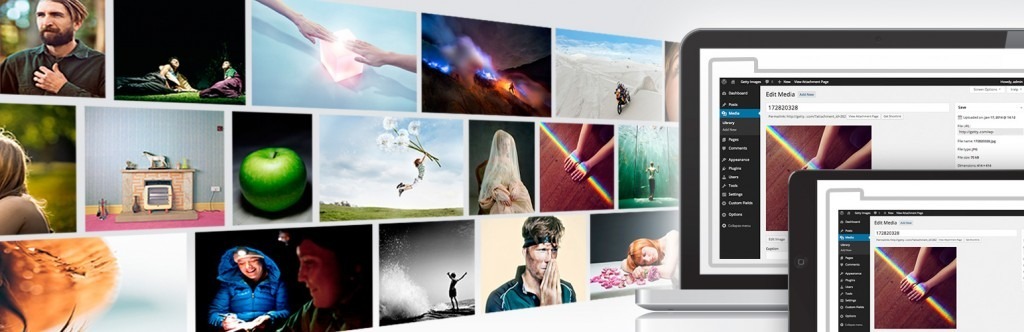
Navigate to the WordPress dashboard to manage your content. Use the Gutenberg Editor to create and format posts, integrating multimedia elements to ensure your content is engaging and visually appealing. High-quality content is essential for maintaining readers' interest.
Organize your content by using categories and tags. Categories group broad topics, while tags highlight specific keywords. This strategy improves site navigation and helps readers find relevant posts, enhancing their overall experience on your WordPress site.
Choosing a Domain
When selecting a domain for your blog, prioritize a memorable name that is easy to spell and directly relevant to your content. This approach not only boosts brand recognition but also improves SEO by incorporating niche-specific keywords. Additionally, consider registering domain variations and choosing a reliable hosting provider to ensure your blog operates smoothly.
Memorable Domain Selection
Selecting a memorable domain is crucial for establishing your blog's online identity and ensuring it resonates with your audience. Ideally, a memorable domain name should be short, easy to spell, and pronounce, with a recommended length of 6-14 characters for optimal recall. Incorporating relevant keywords into your domain can enhance SEO, making it easier for potential visitors to discover your blog through search engines.
Choosing a unique domain helps you stand out, avoiding legal issues and confusion among users. If you're struggling to come up with a catchy domain name, consider using domain name generators or brainstorming tools. Additionally, selecting the right domain extension is essential. While .com is the most recognized, other extensions like .blog or niche-specific ones can also be effective.
| Criteria | Description |
|---|---|
| Memorable Domain Name | Short, easy to spell, and pronounce (6-14 characters) |
| Relevant Keywords | Enhance SEO by making the domain more discoverable |
| Unique Domain | Helps avoid legal issues and user confusion |
| Domain Extension | Choose .com for general recognition or niche-specific extensions like .blog |
Domain Relevance Importance
Building on the foundation of a memorable domain selection, the relevance of your domain name is crucial for your blog's success. A relevant domain name enhances brand recognition, making it easier for users to remember and revisit your blog, potentially increasing traffic by up to 50%. Search engines also favor domains that accurately reflect the site's content, with 70% of SEO experts agreeing that a relevant domain can positively influence search rankings.
Choosing a domain that includes keywords related to your blog's niche is essential. Keyword-rich domains improve visibility and can boost click-through rates by 30%. Keep your domain short and memorable—ideally under 15 characters—as users are 38% more likely to type it correctly and visit your site. While there are many domain extensions available, using a .com domain is typically preferred, accounting for 47% of all registered domains and lending credibility and familiarity to your brand.
Hosting Provider Choices
Choosing a hosting provider is a crucial decision that significantly impacts your blog's performance and reliability. Start by selecting a memorable domain name that reflects your blog's focus. Aim for something under 15 characters to ensure it's easy to recall. While a .com domain is the most recognized and trusted extension, alternatives like .blog or .net may also be suitable depending on your niche.
To check domain availability, use tools like Namecheap or GoDaddy. Ensure your desired domain name isn't already taken. Many hosting providers, such as Bluehost and SiteGround, offer free domain registration for the first year when you sign up for their hosting services, making it a cost-effective way to start.
An SEO-friendly domain can improve your blog's visibility on search engines. Incorporate relevant keywords related to your blog's topic within the domain name to make it easier for people to find your blog online. By carefully selecting a hosting provider and an appropriate domain, you will establish a strong foundation for your blog's success.
Customizing a Theme
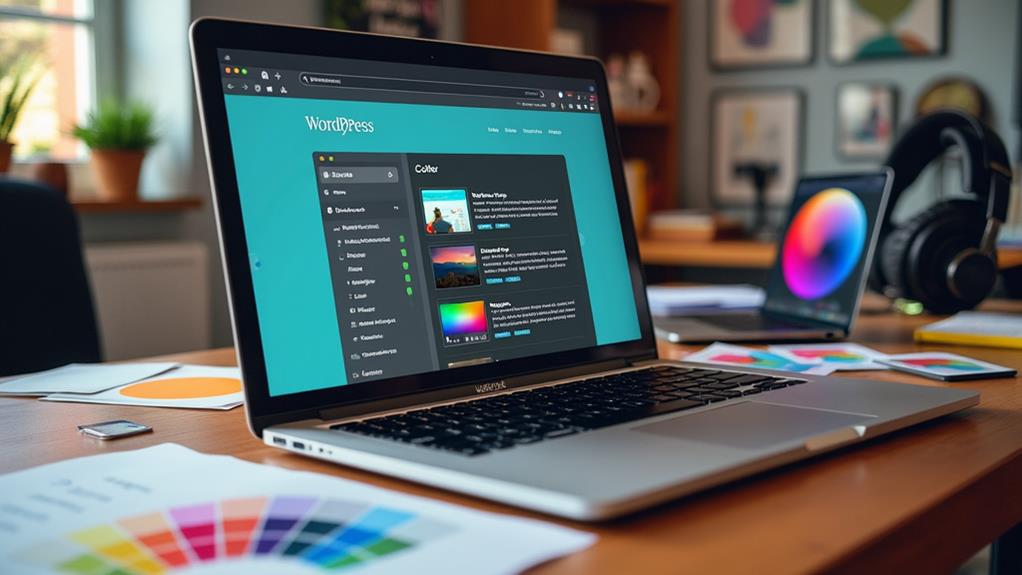
When customizing a theme in WordPress, prioritize a responsive design to ensure your blog looks great on all devices. With more than half of web traffic coming from mobile users, this is crucial. Begin by selecting a lightweight theme optimized for speed. A fast-loading site enhances user experience and is essential for maintaining quick loading times, as a one-second delay can reduce conversions by 7%.
Next, utilize the WordPress Customizer. This tool allows you to adjust your theme's colors, fonts, and layout easily, providing a live preview to see changes in real-time. Using the Customizer ensures your design is consistent and user-friendly.
Incorporate widgets into your theme to boost reader engagement. Elements like social media feeds or recent post lists can keep your audience connected and informed. Lastly, ensure your theme is compatible with popular SEO plugins like Yoast SEO. This compatibility can significantly improve your blog's visibility and search rankings, driving more traffic to your site.
Writing Blog Posts
When writing blog posts, focus on crafting engaging narratives that capture your readers' attention from the beginning. Utilize the Gutenberg Editor in WordPress to seamlessly integrate multimedia elements such as images and videos, thereby enhancing your content's visual appeal. Optimize your post's structure with clear headings and SEO-friendly keywords to improve both readability and search engine visibility.
Crafting Compelling Narratives
Crafting compelling narratives is vital for creating blog posts that resonate with your audience. To write engaging content, you must understand your readers and employ storytelling techniques that evoke emotional connections. Begin with a captivating hook in your introduction to immediately grab attention and set the tone.
Utilize relatable characters and scenarios to weave your story, establishing a foundation of engaging content that sustains reader interest. Integrate relevant data and statistics throughout your narrative to enhance credibility and bolster your arguments.
Ensure a clear structure by using headings and subheadings, guiding your readers through the narrative and making it easy to follow. Conclude with a strong call-to-action or a thought-provoking question to stimulate reader interaction and cultivate a sense of community around your blog.
Imagine your readers experiencing:
- The thrill of exploration from an intriguing opening line.
- Emotional connection with relatable characters.
- Confidence from well-supported arguments.
- Ease in following a well-organized narrative.
- A sense of belonging through engaging in a closing call-to-action.
Utilizing Multimedia Effectively
Incorporating multimedia effectively into your blog posts can significantly enhance reader engagement and retention. Visual content such as images, videos, and infographics are processed much faster than text, making them essential for capturing attention. To maintain an engaging blog, ensure these elements are optimized for loading speed, as large files can slow down your site and adversely affect user experience and SEO rankings.
Add alt text to all your images. This practice not only improves accessibility for visually impaired readers but also boosts SEO, as search engines utilize this text to comprehend your image content.
Interactive content, like polls or quizzes, can further increase user participation. These features encourage readers to engage directly with your blog, extending the time they spend on your site.
Regularly analyze performance using analytics tools to identify which types of multimedia resonate most with your audience. Understanding what works allows you to refine your strategy and consistently deliver engaging content. By leveraging optimized visual content and interactive features, you can create a more compelling and user-friendly blog that keeps readers returning for more.
Optimizing Post Formatting
Effective post formatting can elevate your blog from a mere collection of words to an engaging and readable experience. For content creators, optimizing post formatting is essential for producing high-quality content on your WordPress blog. The Gutenberg Editor in WordPress simplifies this by enabling you to format posts using blocks for paragraphs, images, headings, and lists.
To optimize your post formatting, consider these tips:
- Use Clear Headings: Structure your content with H1 for titles, H2 for main sections, and H3 for subsections. This enhances readability and navigation.
- Short Paragraphs: Break your text into short paragraphs of 2-3 sentences. This improves skimmability, considering online users typically read only 20% of the text on a webpage.
- Bullet Points and Lists: Present key information using bullet points and numbered lists to make it easier to digest and remember.
- Relevant Alt Text for Images: Always add alt text to images. This not only boosts accessibility but also enhances SEO by helping search engines understand your visual content.
- Visual Appeal: Incorporate images and other media to break up text and add visual interest, making your content more engaging.
Adding Multimedia

Incorporating multimedia into your blog can significantly improve reader engagement by making your posts more visually appealing and shareable. By adding elements such as images, videos, and infographics, you can increase reader engagement by up to 94%. Ensure that all multimedia content is relevant to the blog post topic and enhances the overall message.
When adding multimedia, optimize images by compressing their file size and using appropriate alt text. This not only improves loading times but also boosts SEO, potentially increasing your search visibility by 10%.
Interactive elements like polls or quizzes are also excellent for encouraging reader participation. These features can keep users on your site longer and help reduce bounce rates.
Strategically place multimedia throughout your text to break up large blocks of content and maintain reader interest. For example, position a compelling infographic between paragraphs or embed a relevant video to complement your writing.
Organizing Content
Organizing your blog content is essential for enhancing user experience and boosting your site's SEO. A well-structured blog makes it easier for readers to navigate and find relevant posts, while also aiding search engines in indexing your content effectively.
Categories
Start by categorizing your articles. Categories serve as broad topics that streamline navigation, allowing readers to quickly find related content. This organization helps in grouping similar posts, making your blog more user-friendly.
Tags
Utilize tags to highlight specific keywords within your posts. Tags provide detailed subject markers that assist both readers and search engines in understanding the nuances of your articles. This practice improves the discoverability of your content.
Content Hierarchy
A clear content hierarchy, achieved through the use of headings and subheadings, enhances readability and helps search engines grasp the main topics of your posts. A well-structured hierarchy ensures that your content is both user-friendly and well-indexed.
Editorial Calendar
Implementing an editorial calendar is critical for maintaining a consistent posting schedule. An editorial calendar allows you to plan diverse content topics in advance, ensuring that your posts align with your audience's interests and preferences.
Review and Update
Regularly review and update your content organization. This practice helps you identify underperforming categories and tags, enabling you to make data-driven adjustments for better engagement and relevance.
- Categories: Streamline navigation for readers.
- Tags: Improve discoverability and indexing.
- Content Hierarchy: Enhance readability with headings.
- Editorial Calendar: Maintain a consistent schedule.
- Review & Update: Optimize for better engagement.
SEO-Friendly Content
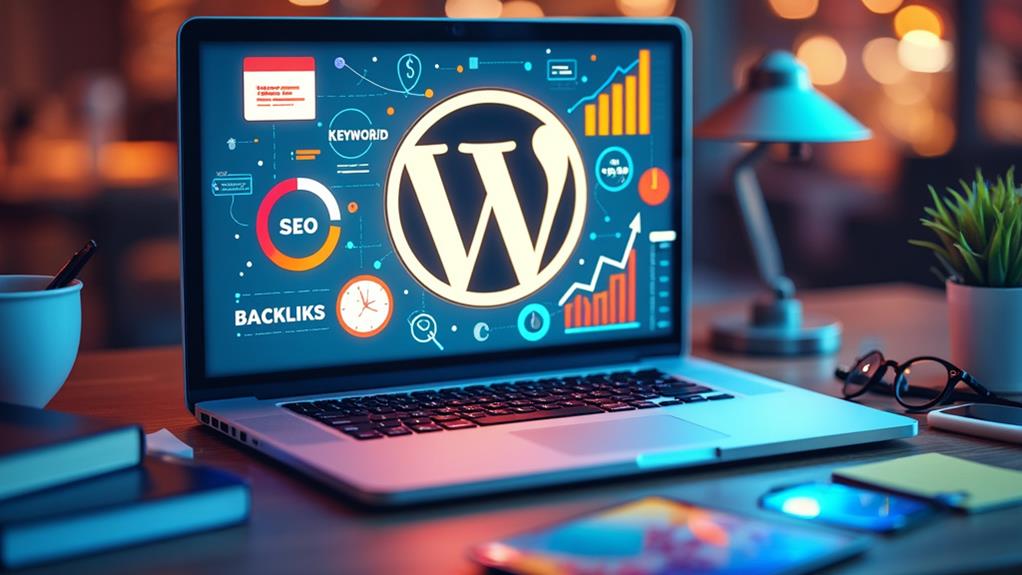
Creating SEO-friendly blog content is essential for driving organic traffic and improving search engine rankings. For your WordPress blog to stand out, begin with thorough keyword research using tools like Google Keyword Planner. Identify search terms your target audience frequently searches for, increasing the likelihood of your content appearing in search results.
Next, optimize titles and meta descriptions by incorporating primary keywords. Ensure titles are under 60 characters and descriptions under 160 characters to enhance click-through rates from search engine results pages (SERPs). Use header tags (H1, H2, H3) strategically to structure your content, making it easier for search engines to understand the hierarchy and relevance of your topics, while also improving readability for users.
Include relevant images to make your posts more engaging and improve SEO by using descriptive alt text. Internal linking is another effective strategy—connect related blog posts within your content to help distribute page authority and encourage readers to explore more of your site. Finally, regularly update and refresh older posts with new information and keywords. Fresh content is favored by search engines and can enhance your rankings over time, driving more traffic to your site.
Scheduling and Publishing
To effectively manage your content strategy, leverage WordPress's scheduling feature. This tool allows you to schedule posts in advance, ensuring a consistent publishing schedule without needing to be online when your content goes live. This is crucial for targeting specific audiences based on their time zones, ensuring your posts reach them at the most optimal times.
When scheduling a post, you can select a specific date and time for automatic publishing. This feature enables you to:
- Control publishing times: Determine the exact moment your post appears.
- Target audiences by time zone: Increase engagement by publishing when your audience is most active.
- Maintain a steady flow of content: Keep your blog active even during busy periods.
- Preview posts before publishing: Identify and correct any formatting issues or errors.
- Use visibility settings: Decide who sees your content immediately with options like public, private, or password-protected.
Regularly reviewing your content calendar helps you identify gaps in your posting schedule, ensuring you stay on track with your planned content themes and topics. Utilize these WordPress settings to manage your content efficiently and keep your audience engaged.