How to Customize Your WordPress Site Without Coding

Customizing your WordPress site without coding may seem daunting, but it's quite feasible with the right tools and techniques. Utilizing the WordPress Customizer, drag-and-drop builders like Divi and Elementor, and Full Site Editing features allows you to create a professional appearance without touching any code. These tools enable real-time adjustments to layouts, colors, and typography, ensuring your site looks cohesive and polished. However, there's even more you can explore—advanced features and community resources can further enhance your site. Curious to learn more?
Customization Tools and Themes
In the realm of WordPress site customization, selecting the right tools and themes is crucial. Themes like Divi and Astra offer extensive customization options, including drag-and-drop builders and layout packs, empowering users to design their sites without any coding skills. The WordPress Customizer allows for site-wide changes such as colors and typography, providing a live preview to visualize adjustments before publishing.
Full Site Editing (FSE) via the Block Editor is another significant advancement. FSE enables customization of templates and global styles, making it easier for non-developers to achieve a cohesive site design. For real-time design flexibility, tools like YellowPencil serve as CSS style editors, allowing users to tweak site elements without coding.
These tools and features ensure semantic accuracy, completeness, consistency, and conciseness, while maintaining relevance and interoperability within the WordPress ecosystem.
Page and Menu Customization
Choosing the right tools and themes sets the foundation for your WordPress site's look and functionality. The next step is customizing your pages and menus to enhance user experience. Start by designing effective page layouts using the Block Editor or Divi's visual builder, which allow you to add new pages and create engaging content without coding knowledge.
Optimize your navigation menus through Appearance > Menus. Use the drag-and-drop functionality to arrange items easily, create logical hierarchies, and control the links displayed on your site. Properly arranged child pages not only improve navigation but also enhance SEO.
Adjust your Permalink settings to ensure URL slugs are clear and relevant, aiding both user experience and search engine optimization. Additionally, use templates to maintain consistent design and functionality across different pages. This approach streamlines customization and ensures a cohesive website design.
Site-Wide Customization Options
Site-Wide Customization Options
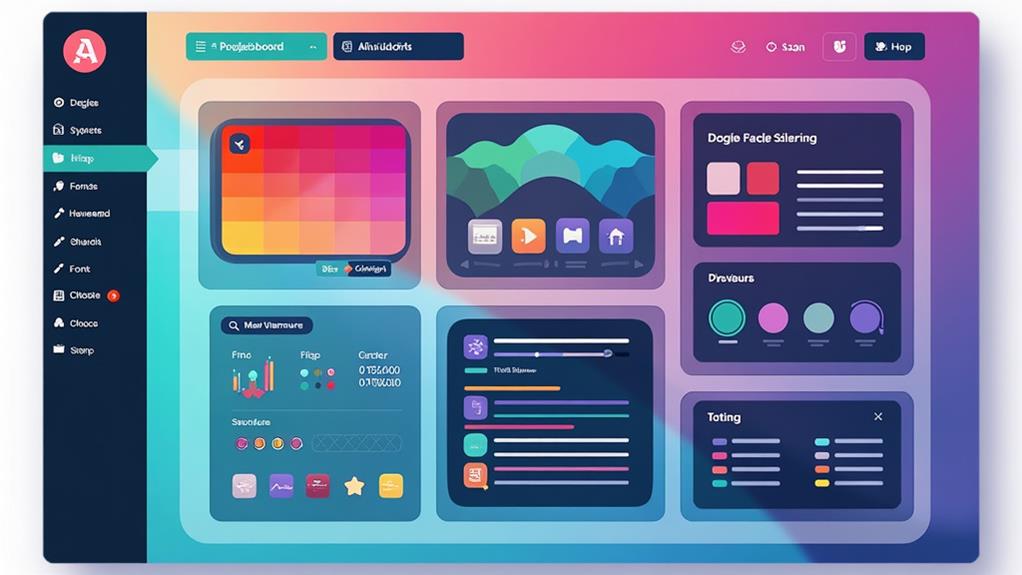
Transform your entire WordPress site effortlessly with comprehensive customization options. The WordPress Customizer, accessible via Appearance > Customize, allows you to adjust elements such as site identity, colors, typography, and header/footer settings using a user-friendly interface. The live preview feature ensures that you can see changes in real-time, making it easy to ensure your modifications align with your design preferences.
Full Site Editing (FSE) provides an even more powerful tool for customization without any coding. This feature enables you to maintain a cohesive design across your entire website from the admin dashboard. With FSE, you can manage:
- Global Styles: Ensure consistent typography, colors, and other design elements across your site.
- Templates: Customize site-wide templates to meet your specific needs.
- Themes and Plugins: Seamlessly integrate extensive customization options for a unique look.
Themes like Divi offer extensive customization options and work seamlessly with both the Customizer and FSE. Additionally, using plugins can further enhance your site-wide customization capabilities, allowing you to add features and personalized elements easily. By leveraging these tools, you can customize your website to reflect your brand and design preferences without writing a single line of code.
Individual Page Customization
To make each page on your WordPress site unique, use the Block Editor to add and organize custom content without needing coding skills. With tools like the Divi Theme Builder, you can personalize layouts to meet specific content requirements, ensuring a distinctive user experience. Applying different templates to individual pages helps maintain a consistent design while effectively engaging your audience.
Using Block Editor
The Block Editor, also known as Gutenberg, revolutionizes the way you create and customize pages on your WordPress site. This tool allows you to design pages without the need for coding, using content blocks that include text, images, galleries, and more. Each block comes with its own settings, providing granular control over styling and alignment to help you achieve a cohesive and polished look.
With the Block Editor, you can easily customize your site by rearranging blocks through a simple drag-and-drop feature. This intuitive method of structuring content ensures flexibility and creativity in your designs. Additionally, the real-time preview feature allows you to see changes instantly, ensuring everything looks perfect before you publish.
Key benefits of using the Block Editor include:
- Reusable Blocks: Save custom block configurations and apply them across multiple pages for consistent design.
- Drag-and-Drop Functionality: Easily rearrange blocks to dynamically structure your page content.
- Granular Control: Fine-tune each block's settings for enhanced styling and alignment.
Adding Custom Content
Personalizing each page on your WordPress site is straightforward with the Block Editor, which allows you to add and customize various content blocks like text, images, and buttons without any coding skills. To begin, navigate to the page you wish to modify and click on the "Add New" block. The WordPress Block Editor offers seamless integration of custom content, ensuring each page is uniquely tailored to engage users.
For more intricate designs, Divi's visual builder is an excellent choice. It provides a drag-and-drop editing experience with real-time previews, making it ideal for those who want to customize WordPress sites without coding. Using templates within the Block Editor helps maintain a consistent design across all your pages while still allowing for original content.
If your site needs specialized content types, plugins like ACPT are invaluable. They enable the creation of custom post types without the need to write any code. Additionally, take advantage of the tutorials and guides available in the free version of WordPress; they offer simple steps to enhance your customization skills. These features combined make adding custom content easy and effective, ensuring your site stands out.
Personalizing Page Layouts
After adding custom content, further refining your site involves personalizing page layouts to enhance user experience. The WordPress Block Editor allows you to easily add and arrange diverse content blocks on your pages, providing a flexible and visually appealing layout without requiring coding knowledge. For more advanced customization, the Divi Theme Builder enables you to create unique layouts for individual pages, including custom headers, footers, and body content tailored to your needs.
To maintain design consistency, you can use pre-made templates available in themes like Astra or GeneratePress. These templates let you customize individual page layouts based on your content requirements while ensuring a uniform look across your site. The Customizer tool in WordPress is another excellent resource for making real-time adjustments to elements like colors, fonts, and backgrounds, thereby enhancing the visual appeal of each page.
For advanced drag-and-drop capabilities, consider plugins like Elementor or Beaver Builder. These tools offer extensive customization options to fine-tune the layout and design of individual pages effortlessly.
- Use the Block Editor for flexible content arrangement.
- Utilize the Divi Theme Builder for custom page designs.
- Investigate Elementor and Beaver Builder for advanced layout options.
Advanced Features and Management
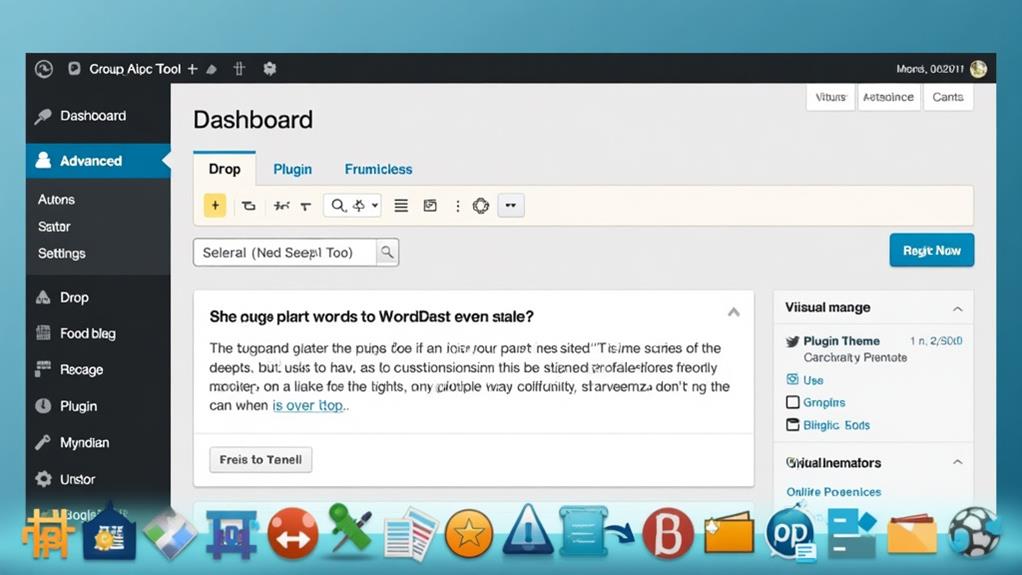
When exploring advanced features and management for your WordPress site, tools like Divi AI and child themes become invaluable. Divi AI revolutionizes customization by generating layouts and content based on your prompts, seamlessly integrating with existing design elements like color schemes and fonts. Using the Divi Builder within the Visual Editor, you can manipulate Theme Templates and template parts effortlessly, allowing for a highly personalized approach without any coding.
Implementing a child theme is crucial for preserving customizations during theme updates, ensuring your unique designs remain intact while benefiting from new parent theme features. The Divi Marketplace offers a variety of premade child themes, catering to specific needs and enabling robust web design without extensive coding skills.
Moreover, leveraging WordPress block features and Theme Builder tools further empowers you to create dynamic and visually appealing sites. A centralized dashboard streamlines the management of multiple websites, making updates, maintenance, and bulk actions more efficient—particularly beneficial for agencies and freelancers. With various pricing plans, including annual subscriptions and lifetime access, you can choose what best suits your budget while ensuring ongoing support and updates.
Community Engagement and Resources
Engaging with the WordPress community can significantly enhance your site's customization experience. This active community shares valuable knowledge through tutorials and guides, making it simpler for beginners to explore no-code options for site customization. By participating, you gain access to a plethora of resources that can improve your site's design and functionality.
A key feature is the Block Pattern Directory, where users can submit and discover creative designs, fostering collaborative development and promoting innovative design solutions. This directory, along with other user-friendly design tools, enables you to customize your WordPress site without writing any code.
Regular updates and notifications from the WordPress community keep you informed about new features and improvements, ensuring you stay current with the platform's capabilities. Engaging in community forums and groups provides valuable support and insights, helping you resolve issues and enhance your website customization efforts.
- Collaborative Development: Explore and contribute to the Block Pattern Directory.
- User Empowerment: Leverage design tools for code-free customization.
- Forum Support: Access insights and solutions through active community discussions.