Microsoft Clarity vs. Google Analytics: Which One Should You Use?
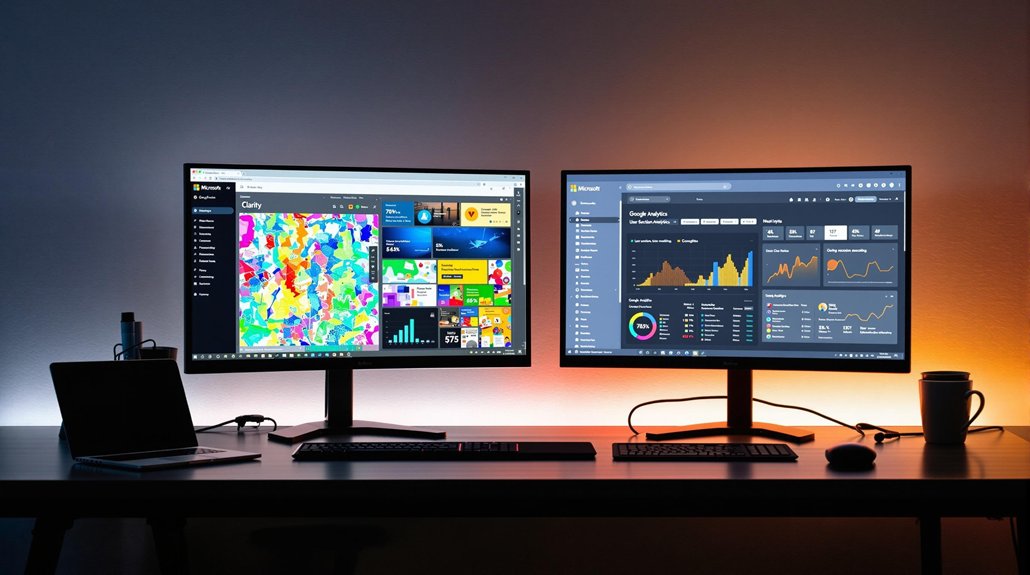
When it comes to understanding website performance and user behavior, the right analytics tool can make all the difference. Google Analytics has long been the go-to platform for data tracking, but Microsoft Clarity is emerging as a strong contender, offering unique features of its own. Each tool caters to different priorities, and choosing between them often depends on the goals you have for your site.
Overview of Microsoft Clarity and Google Analytics
When comparing Microsoft Clarity and Google Analytics, it's crucial to understand their core functions and strengths. Microsoft Clarity focuses on user behavior through heat maps and session recordings, providing clear insights into how users interact with your site.
Meanwhile, Google Analytics 4 excels in analyzing traffic acquisition and user activities, offering robust website performance data. Both analytics tools are free, but Google Analytics has a paid version for more extensive data collection.
Clarity's intuitive dashboard makes it easy to track user interactions without sampling, ensuring precise data. On the other hand, Google Analytics may sample data over 10 million events, potentially skewing results.
By integrating Microsoft Clarity with Google Analytics, you can achieve a thorough understanding of user behavior and website performance. Additionally, integrating advanced analytics tools into your strategy allows for deeper insights into user interactions and helps in refining marketing strategies effectively.
Key Features of Microsoft Clarity
Although many analytics tools offer insights into user behavior, Microsoft Clarity stands out with its unique features tailored for a detailed understanding of user interactions. With Clarity, you get real-time session recordings, allowing you to observe actual visitor interactions like clicks, scrolls, and mouse movements.
This gives you a clear picture of the user experience. Its heatmaps feature visualizes user engagement, showing precisely where visitors click and scroll, which helps identify areas for content improvement.
Clarity's intuitive interface organizes insights into Dashboard, Recordings, Heatmaps, and Settings, making navigation a breeze. Unlike other tools, Clarity captures all user interactions without sampling, providing extensive performance metrics that accurately reflect user behavior.
Plus, it complies with GDPR and CCPA, ensuring data privacy is maintained. By integrating social media into your analytics strategy, you can further enhance user engagement and content promotion.
Key Features of Google Analytics

Google Analytics is a powerhouse for tracking and understanding user interactions. By capturing user activity across your site, it provides insights into web analytics like traffic sources and engagement behavior. You can see where visitors come from, how they interact with your content, and what prompts them to convert. Conversion rates are detailed, letting you analyze key actions such as purchases and form submissions.
Customizable dashboards allow you to tailor reports to focus on specific user groups and behavior patterns. With Google Analytics 4's event-based model, you can track interactions as events across multiple platforms.
Advanced analysis features, including predictive insights and automated alerts, empower you to make data-driven decisions, optimizing your site's performance based on real-time user data. Regular interpretation of metrics fosters continuous improvement in audience engagement tactics.
Cost and Access Considerations
For businesses weighing their options between Microsoft Clarity and Google Analytics, understanding the cost and access considerations can guide your decision. Both platforms are free to use, but they differ greatly in access and cost structure. Microsoft Clarity remains completely free, offering a more accessible option without any paid tiers.
On the other hand, Google Analytics provides a free version but also offers GA4 360 for enterprises needing improved capabilities. Accessing Google Analytics requires a Google account, while Clarity skips the registration step, allowing for quicker setup.
Furthermore, Google Analytics faces sampling limitations when event quotas surpass 10 million events, potentially impacting data accuracy. In contrast, Microsoft Clarity handles high traffic without sampling, making it a robust choice for large-scale data needs.
Integration Capabilities and Ease of Use
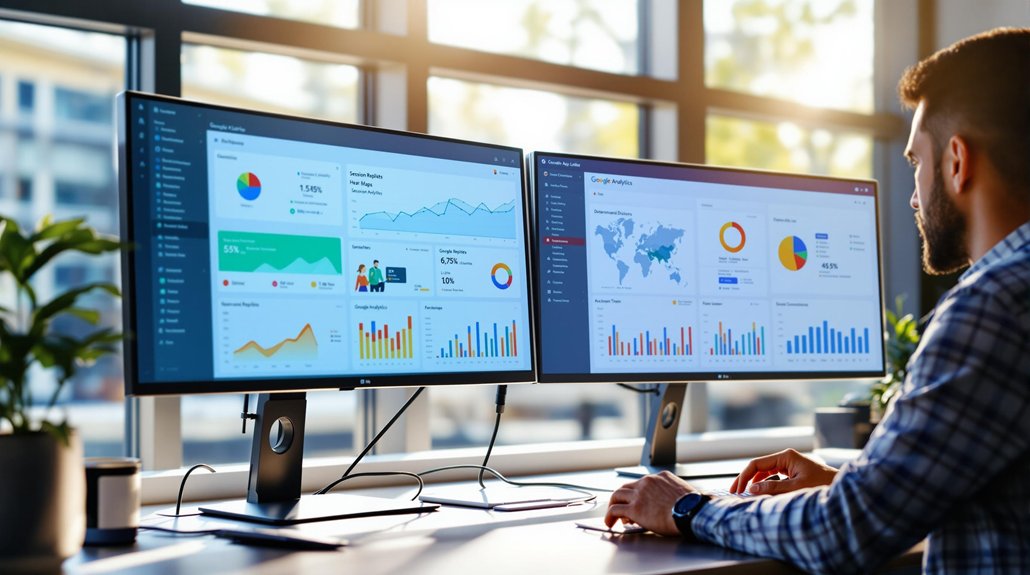
After evaluating the cost and access considerations, it's essential to investigate how these platforms integrate with other tools and their usability. Microsoft Clarity excels with its integration capabilities, effortlessly connecting with Google Analytics 4 (GA4). You can analyze GA4 data directly in Clarity's dashboard, simplifying data interpretation.
Installing Clarity is a breeze, requiring just a tracking code on your website. In contrast, GA4 demands a Google account and can involve intricate configurations.
In terms of ease of use, Clarity's intuitive interface improves user navigation, making it ideal for beginners. It offers real-time session recordings and heatmaps without sampling issues. Both platforms provide filtering capabilities, but Clarity's Segments feature streamlines the process, contrasting with GA4's detailed filtering system.
User Behavior Analysis and Insights
Understanding user behavior is crucial to optimizing your website, and Microsoft Clarity provides the tools to do just that. As a website owner, Clarity's real-time session recordings and heatmaps offer a unique insight into user interactions, capturing clicks, scrolls, and mouse movements.
These features allow you to visualize and analyze user behavior thoroughly, helping pinpoint navigation bottlenecks and areas for improvement. Unlike Google Analytics 4 (GA4), which focuses more on traffic acquisition and conversion rates, Clarity emphasizes user experience metrics. This makes it an invaluable analytics tool for those wanting a granular view of user engagement.
By combining Clarity with GA4, you can merge traffic analysis with detailed user behavior insights, leading to better website optimization and enhanced user experiences.
Filtering and Event Tracking
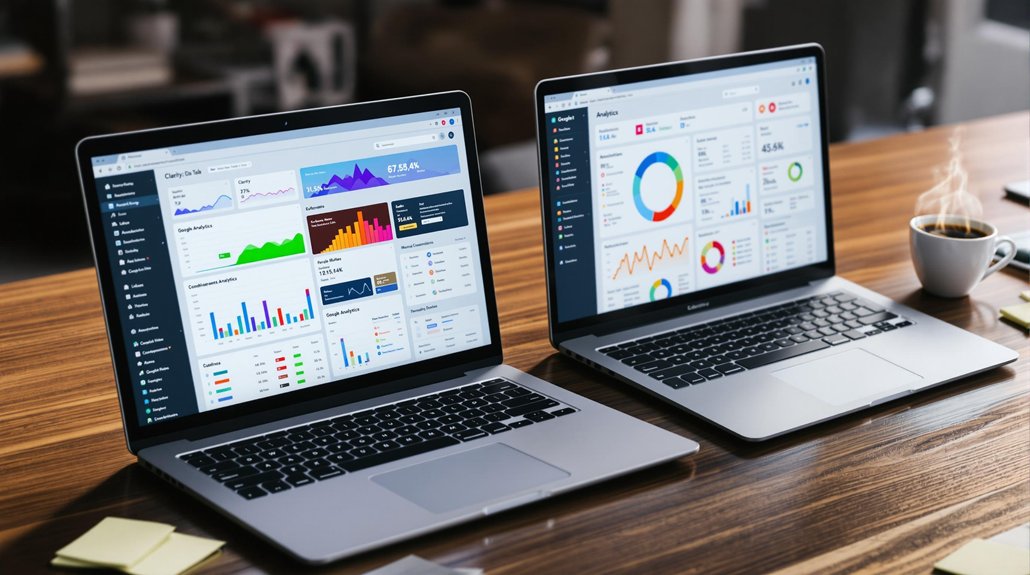
While diving into the world of filtering and event tracking, you'll find that Microsoft Clarity and Google Analytics 4 (GA4) offer distinct approaches tailored to different analytical needs. Clarity focuses on user behavior analytics by allowing you to save filter selections as Segments, making it easy to access specific data subsets related to performance metrics.
In contrast, GA4 provides more complex event tracking with detailed eCommerce and user lifetime filters not available in Clarity. GA4 categorizes interactions into Automatically Collected and user-implemented events, enhancing its filtering capabilities. Discrepancies in event data can occur between Clarity and GA4 due to differences in session definitions, such as time zone settings and tracking code placement, impacting performance metrics and user insights.
AI and Data Sampling Differences
- Microsoft Clarity captures all user interactions without sampling, ensuring complete data visibility and allowing users to analyze visitor behavior in real-time.
- Google Analytics 4 implements sampling beyond 10 million events, which can lead to performance discrepancies during high-traffic periods.
- Clarity's AI, Copilot, offers summaries and insights, simplifying data interpretation.
- GA4 provides advanced modeling and automated insights, identifying trends and anomalies but potentially missing nuances due to sampling.
Choose based on your priority—comprehensive data or sophisticated insights.
Performance and User Experience Insights
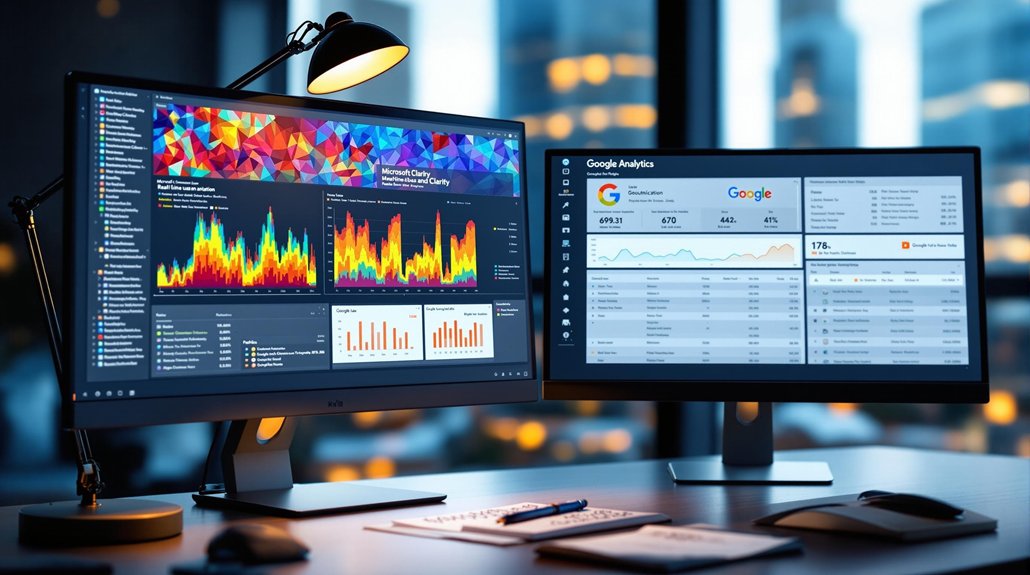
With regard to performance and user experience insights, Microsoft Clarity shines by offering real-time session recordings that let you observe visitor interactions firsthand. This feature allows you to track user interactions and identify navigation bottlenecks effectively.
Clarity's heatmaps visually represent click and scroll activity, providing a deeper user experience understanding of where engagement peaks on your pages. Meanwhile, Google Analytics excels in website analytics by focusing on traffic acquisition patterns and conversion actions, offering a thorough view of overall performance.
Unlike Google Analytics, Clarity captures all interactions without sampling, ensuring no data discrepancies arise. By combining both tools, you gain a complete understanding of your site, with Clarity's granular data complementing Google Analytics' traffic insights, optimizing your website's performance.
Making the Final Choice
Microsoft Clarity is a fantastic choice for businesses looking for a simple, free tool to visualize user behavior and identify pain points. Its heatmaps and session recordings make it easy to uncover and address usability issues. Google Analytics, on the other hand, is ideal for businesses that need in-depth data tracking, audience segmentation, and advanced reporting capabilities.
Related posts