How Core PC Components Work Together To Boost Your Gaming
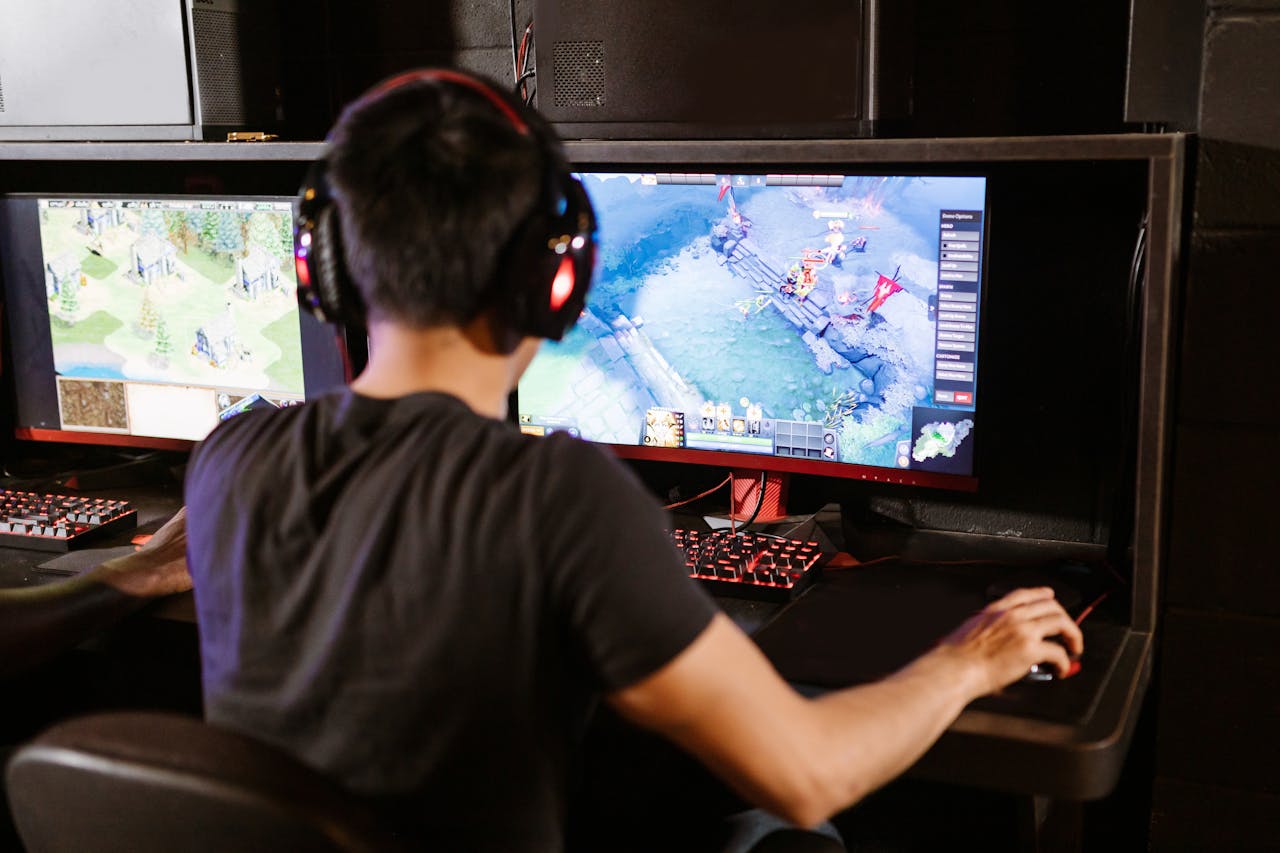
In the realm of PC gaming, a smooth experience hinges on more than just powerful graphics cards and processors. Performance bottlenecks — where one component restricts the performance of others — are a key factor that can impact gaming fluidity, especially in resource-intensive games. For instance, during a WoW raid carry, where every second counts, a poorly optimized system can lead to lag, lower frame rates, and missed opportunities. Identifying and addressing these bottlenecks can enhance frame rates, reduce load times, and improve system stability, ensuring a much smoother and more reliable gaming experience.
What are bottlenecks?
A bottleneck occurs when one hardware component limits the performance of the rest of the system. For example, even if you have a high-end GPU, its potential can be constrained if the CPU can't keep up. Similarly, a less capable GPU can restrict performance, even when paired with a powerful processor. Understanding the causes of bottlenecks is crucial to optimizing your gaming setup. Types of Bottlenecks:
CPU bottlenecks
The CPU handles non-graphical tasks in games, such as AI processing, physics simulations, and game logic. In CPU-heavy games — like expansive open-world RPGs (e.g., World of Warcraft) or complex strategy titles — a weaker or overworked CPU can struggle to handle these demands. When this happens, the GPU and other components are underutilized, leading to stuttering, lower frame rates, and an overall subpar gaming experience. Prolonged CPU strain can also result in overheating, which could damage hardware over time.
GPU bottlenecks
The GPU is responsible for processing all graphical elements, including textures, lighting, shadows, and visual effects. In graphically demanding titles — such as Cyberpunk 2077 or Red Dead Redemption 2 — a less powerful GPU may struggle to keep up, even if the CPU has excess capacity. This creates a GPU bottleneck, often characterized by frame rate drops, visual stuttering, and the inability to run games at higher graphics settings or enable advanced features like ray tracing.
The impact of key components on gaming performance
When it comes to gaming, your hardware’s performance defines your experience. Let’s explore the role of RAM and storage in ensuring smooth, immersive gameplay.
RAM (Memory)
RAM is essential for optimizing gaming performance, as it determines how efficiently the CPU and GPU access data. Insufficient or slow RAM forces the CPU to rely on data from storage, leading to frame rate drops and stuttering. The speed and capacity of RAM are particularly important for large-scale operations or games that load massive amounts of data, making it a critical factor in maintaining stable performance.
Do you need more than 16GB of RAM for gaming?
For most games, 16GB of RAM is sufficient. However, as game complexity and graphical fidelity increase, 16GB may start to struggle, especially in open-world titles or highly detailed games. For instance, playing at 4K resolution, multitasking, or streaming while gaming can push 16GB to its limits.
If you’re a gamer who also streams, edits videos, or works with large game files — such as the expansive maps in the Battlefield series — 32GB of RAM provides added stability and prevents performance slowdowns. As games continue to grow in size and complexity, 32GB of RAM is a more future-proof investment, ideal for high-end gaming or content creation.
Is 32GB of RAM enough for 4K gaming?
Yes, 32GB of RAM is more than adequate for 4K gaming, even when maxing out demanding settings. While 4K gaming places more strain on the GPU, RAM plays a crucial role in storing assets like textures and world data. With 32GB of RAM, your system can efficiently handle larger textures and assets, ensuring smooth gameplay at higher resolutions.
For graphically intensive games like Cyberpunk 2077, which feature dynamic environments and complex physics, 32GB of RAM delivers a much smoother experience — especially when using high-quality settings, ray tracing, or ultra-resolution textures.
Storage (NVMe SSD)
Storage choices also significantly impact gaming performance, particularly load times. Traditional hard drives and older SATA SSDs can bottleneck performance, resulting in longer loading screens and slower in-game responsiveness. NVMe SSDs, such as the Kingston FURY Renegade NVMe SSD, offer exceptional read/write speeds, drastically reducing load times and improving data transfer efficiency.
While NVMe SSDs don’t directly enhance CPU or GPU performance, they improve overall system responsiveness, making your gaming experience feel faster and more fluid. This is especially beneficial for open-world games or titles that require frequent access to large amounts of data.
By combining fast, high-capacity RAM with an NVMe SSD, you can create a gaming setup capable of handling even the most demanding titles with ease.
Optimization strategies: Tackling gaming bottlenecks effectively
Gaming bottlenecks can hinder system performance, reducing frame rates, increasing load times, and impacting overall gameplay fluidity. To overcome these challenges, a balanced, comprehensive approach to hardware optimization is essential. Below, we explore key upgrade strategies to enhance your gaming experience.
Upgrading the CPU and GPU
The most straightforward way to eliminate CPU and GPU bottlenecks is by upgrading these core components. A faster processor and a more powerful graphics card can handle demanding tasks more efficiently, resulting in smoother frame rates and improved visual quality. This is particularly crucial for games running at high resolutions or with advanced graphical settings.
Enhancing RAM and storage
Improving your system’s memory and storage can significantly optimize performance. Higher-capacity and faster RAM reduces the strain on the CPU, improving stability and multitasking capabilities. This is especially beneficial for resource-intensive games and applications.
Upgrading from a traditional hard drive (HDD) to a high-speed NVMe SSD can also make a dramatic difference. SSDs drastically lower load times and enhance overall system responsiveness, creating a more seamless gaming experience.
Cooling systems and power supply
Overheating is a common issue for gaming PCs, especially during prolonged sessions or when running resource-heavy games. High temperatures force CPUs and GPUs to throttle performance to prevent damage, simulating the effects of a bottleneck. Upgrading to an efficient cooling system, such as liquid cooling, helps maintain optimal temperatures and prevents thermal throttling.
Additionally, a robust power supply unit (PSU) is critical for system stability. If your PSU can’t deliver enough power to support upgraded hardware, it can result in crashes or instability. To ensure reliability, choose a PSU with at least 200-250W of extra headroom to accommodate future upgrades.
Upgrading the motherboard
In some cases, the motherboard itself may cause bottlenecks, particularly when upgrading the CPU or RAM. It’s essential to select a motherboard compatible with the latest hardware standards. Opting for a motherboard that supports PCIe Gen 4 or higher can improve data transfer speeds and optimize communication between components like the CPU and GPU. A modern, compatible motherboard ensures you can fully leverage your upgraded hardware.