What Is Wordpress Multisite For?

WordPress Multisite lets you handle multiple sites from one dashboard, making it ideal for organizations with diverse brands or departments. You can configure sites as subdomains or subdirectories, customize themes and plugins, and streamline management with network-wide updates. It's cost-effective, saving on hosting and administrative tasks while offering centralized control for user roles and security. You also get seamless updates and improved performance features to maintain consistent operation across all sites.
Regardless of your aim for scalability, multilingual offerings, or market expansion, this tool simplifies multi-site management. There's much more to investigate about its powerful capabilities.
Understanding WordPress Multisite
WordPress Multisite is a powerful feature that lets you investigate multiple WordPress sites from a single installation, making it ideal for organizations with diverse departments or brands. With WordPress Multisite, you can manage multiple WordPress websites efficiently, saving time and resources. This feature enables a network administrator to centrally control updates, themes, and plugins, ensuring consistency across all your sites.
Each site in your Multisite network can be configured as a subdomain or subdirectory, giving you the flexibility to choose the best structure for your organization. As a super administrator, you have the ability to oversee the entire network, while delegating specific responsibilities to regular site administrators who only need access to their respective sites. This hierarchical approach streamlines management and maintains security.
Shared resources within a Multisite setup contribute to its cost-effectiveness. You can host multiple sites on a single server account, greatly reducing total hosting expenses. By leveraging a single installation, you simplify maintenance tasks and enjoy the benefits of centralized management. With these advantages, WordPress Multisite becomes an appealing solution for those looking to efficiently manage a large network of websites. It is important to backup database and files to prevent data loss during the initial setup process.
Centralized Management Benefits
Regarding managing multiple websites, the centralized management capabilities of WordPress Multisite offer substantial advantages. With WordPress Multisite, you can handle several sites from a single dashboard, drastically cutting down on administrative tasks and making site updates a breeze. Since all sites share the same core WordPress installation, you can perform updates and maintenance simultaneously across your entire network. This means no more repetitive updates on each individual site, which saves you time and effort.
User management becomes a lot simpler too. You can create user roles that work across all sites with just one username and password, enhancing both security and the user experience. This centralized control extends to themes and plugins as well. You can manage them network-wide to maintain consistency, while still allowing for customizations to meet specific site requirements.
Moreover, WordPress Multisite can help you save on hosting costs. A single hosting account can efficiently support hundreds or even thousands of sites. This optimizes your resource usage, providing a cost-effective solution for large organizations or businesses managing multiple websites. Overall, WordPress Multisite's centralized management features streamline site updates and improve operational efficiency. Additionally, performance monitoring(#) for loading speed, uptime, and engagement can be simplified, allowing you to oversee these metrics from one location.
Cost-Effective Solutions
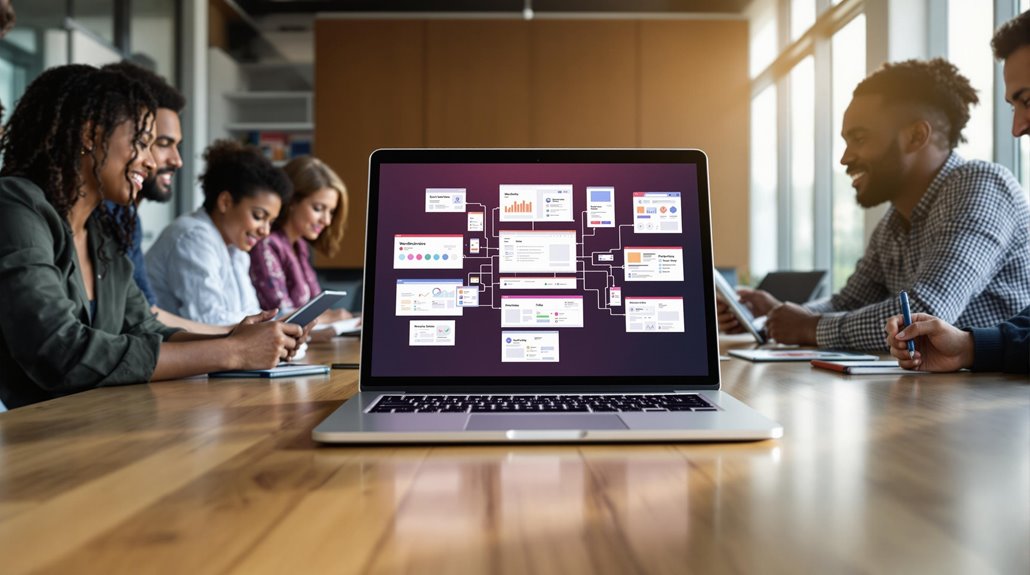
With regard to reducing costs, leveraging WordPress Multisite can be a game-changer. It allows you to host hundreds or even thousands of sites on a single hosting account, which greatly cuts down on total hosting costs and resource allocation. With a single installation, you can consolidate multiple websites, minimizing expenses related to separate plugins and themes. This often leads to bulk purchasing discounts, making it a cost-effective option. The centralized management feature reduces administrative overhead by allowing simultaneous updates across all sites, saving you both time and labor costs. Multisite is an ideal solution for businesses looking to scale their online presence affordably. You can create new sites without needing additional installations, which optimizes infrastructure costs.
For example, MRI Software effectively used a single master theme across multiple sites, showcasing how Multisite helps manage different web properties economically. Integrated analytics track performance metrics, allowing businesses to make data-driven decisions to further optimize costs and operations. Here are some cost-effective benefits of using Multisite:
- Single hosting account: Cut down on hosting costs.
- Centralized management: Reduce administrative overhead.
- Bulk purchasing discounts: Save on plugins and themes.
- Scalable solution: Easily create new sites.
- Optimized infrastructure: Efficiently manage resources.
User Management Simplified
Beyond the financial advantages of WordPress Multisite, its streamlined user management stands out as a powerful feature. With WordPress Multisite, you get centralized control over user management, allowing users to navigate a network of blogs using just one username and password. This not only improves the user experience but also simplifies access management. Super Admins wield the power to assign specific user roles across different sites, ensuring permissions management aligns with each user's responsibilities.
You can add or remove users from particular sites without the hassle of duplicating accounts. This minimizes confusion and strengthens security within the network. User onboarding becomes a breeze, enabling you to swiftly adjust user access when team members join or leave the organization. By maintaining centralized control over user roles, Super Admins uphold consistent security policies, reducing the risk of unauthorized access across the entire network.
Furthermore, WordPress Multisite's user management capabilities allow you to streamline operations and focus more on content creation and less on administrative tasks. With the clear hierarchy and taxonomy, user navigation and experience are improved, further enhancing the effectiveness of user management features. With all these benefits, it's clear that WordPress Multisite isn't just about cost efficiency—it's about creating a seamless, secure, and manageable online environment.
Enhanced Security Features
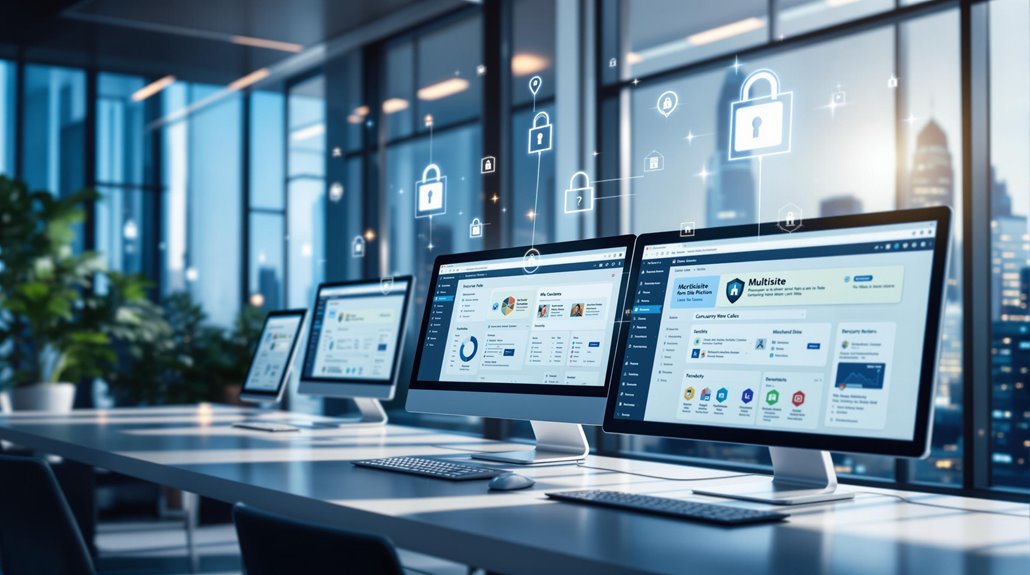
Something that sets WordPress Multisite apart is its upgraded security features, which provide a robust shield for your network. With WordPress Multisite, you get centralized security updates, guaranteeing each site in your network adheres to consistent security policies. This minimizes vulnerabilities and keeps your data safe. Built-in access controls offer improved data protection, allowing you, as the network administrator, to monitor and manage potential security breaches more effectively. The super admin role is crucial within a Multisite network.
It allows you to oversee content management and user permissions, thereby limiting access to sensitive areas. Utilizing user role management, you can restrict access to specific sites, reducing the risks associated with unauthorized access and data exposure. Implementing strong password policies is essential, as weak passwords contribute to a significant portion of security breaches. Regular updates and maintenance at the network level streamline security management, making it easier to address and resolve security issues promptly.
Here's how WordPress Multisite boosts security:
- Centralized security updates guarantee all sites are consistently protected.
- Access controls help manage data protection effectively.
- The super admin role oversees sensitive content and permissions.
- User role management reduces unauthorized access risks.
- Network-level updates simplify security issue resolution.
Customization and Flexibility
You'll find that WordPress Multisite offers unparalleled customization and flexibility, making it a powerful solution for managing multiple sites. With WordPress Multisite, you can activate unique themes and plugins for individual sites, allowing tailored functionality that aligns with specific site needs and branding. This means that regardless of whether you're running a blog, an e-commerce site, or a portfolio, you can customize each site to meet its distinct requirements. Customization options also include the ability to create sites for specific languages, regions, and currencies.
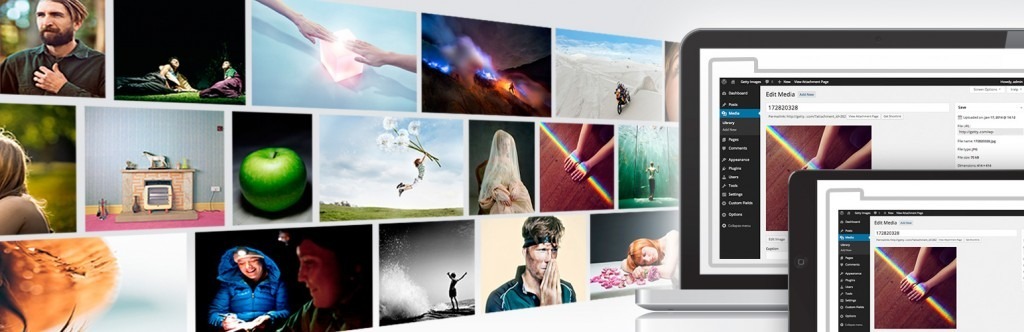
This flexibility is essential for catering to diverse target audiences, ensuring you can effectively communicate and engage with users worldwide. Furthermore, WordPress Multisite's scalability means you can grow your network effortlessly by incorporating new sites without significant infrastructure changes. The shared media library feature improves resource management by allowing you to manage visual elements efficiently across subsites. Despite this shared access, you can still customize media for individual sites, maintaining a unique look and feel.
Multisite facilitates A/B testing across different sites, helping you experiment with design and functionality to increase user engagement and performance. It's a versatile platform designed to adapt to your evolving needs. Additionally, responsive design for mobile compatibility is crucial, as over 60% of web traffic is mobile, ensuring that your multisite network is accessible and user-friendly on all devices.
Streamlined Updates and Maintenance

When managing multiple sites, WordPress Multisite greatly simplifies the update and maintenance process. Instead of dealing with each site individually, you can apply updates to the main site, and they automatically push to all subsites. This centralized approach to updates drastically reduces the workload for web developers, who no longer need to manually update each site. It's a streamlined maintenance solution that keeps your network running smoothly.
WordPress Multisite also improves security management by ensuring that all sites receive the same core updates and security patches simultaneously. This uniform approach minimizes vulnerabilities across your network. In addition, centralized database management in Multisite allows for more efficient performance monitoring, making it easier to optimize site performance and allocate resources effectively.
Regular updates and maintenance through Multisite can also lead to reduced server strain, as resources are better distributed across the network. Keeping your CMS updated prevents compatibility issues with the latest web standards and technologies, ensuring seamless integration with the latest browser versions and third-party plugins. Here's how WordPress Multisite streamlines your maintenance tasks:
- Simplified updates: Apply once, update everywhere.
- Improved security: Uniform security patches across all sites.
- Efficient performance monitoring: Centralized data for better insights.
- Reduced workload for developers: Less manual labor.
- Optimized resource allocation: Improved performance and less server strain.
With WordPress Multisite, you'll keep your sites updated, secure, and running efficiently.
Scalability and Performance
Building on the streamlined updates and maintenance benefits of WordPress Multisite, it also excels in scalability and performance. By allowing you to effortlessly add new sites, WordPress Multisite supports growth without significant infrastructure changes. This scalability is crucial for testing new markets or products, offering a robust framework for your network's future development and improvements.
One of the key performance benefits is optimized resource usage. With shared caching mechanisms, your sites can achieve faster load times, improving the overall efficiency of your network. This shared approach means that you can manage a network of multiple sites with greater ease, ensuring that each site benefits from efficient performance monitoring and maintenance.
Using a centralized database is another advantage, as it allows you to streamline administrative tasks. By reducing the workload on individual site administrators, you can focus on maintaining the efficiency of the entire network. Consistent login credentials and shared code across your sites further boost administrative efficiency, making updates and alterations simpler as your network expands.
Overall, WordPress Multisite's scalability and performance capabilities provide a strong foundation for managing a growing and effective network of multiple sites. Additionally, employing a responsive design ensures that your sites are mobile-friendly, which is crucial for maintaining high search engine rankings.