Wordpress Themes Vs. Page Builders: What’S the Difference?
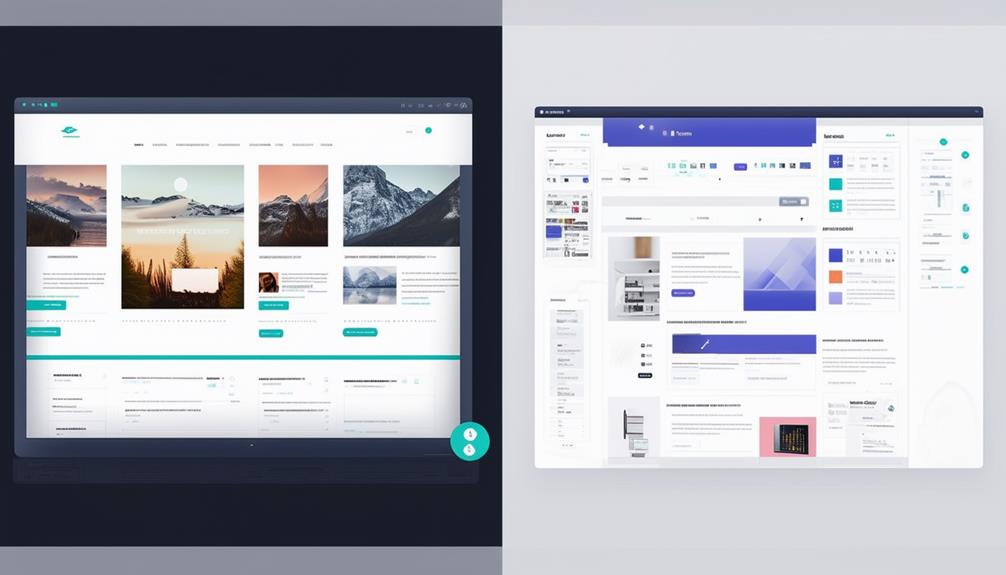
When building a website with WordPress, you may find yourself deciding between using a theme or a page builder. Themes offer quick setup and ensure a consistent design across your site, though they can limit customization options. Page builders like Elementor Pro, on the other hand, provide extensive design flexibility, enabling you to create intricate layouts without needing coding skills. How do you choose which option best suits your needs? Let's explore the key differences and weigh the pros and cons of both approaches.
What Are WordPress Themes?
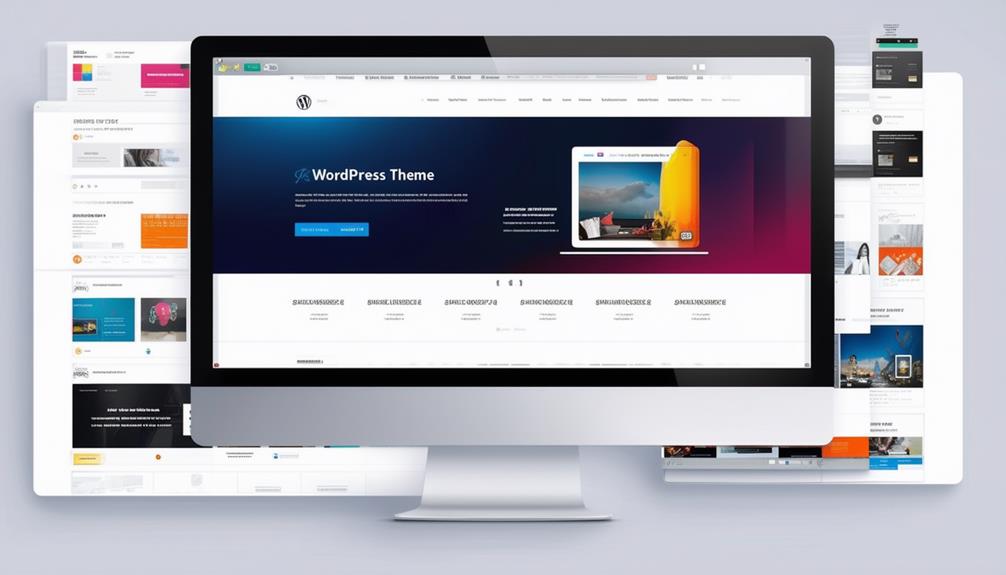
WordPress themes are pre-designed templates that define the look and layout of your website. By selecting a theme, you choose a design framework that controls elements such as headers, footers, sidebars, fonts, colors, and content sections. Themes determine the overall structure and appearance of your site, influencing everything from spacing and section widths to the positioning of different components.
Themes manage the default design for various pages on your WordPress site, such as blog posts, category pages, and error pages. By setting layout and design standards, themes ensure a cohesive and visually appealing experience for your visitors. The theme you select plays a crucial role in shaping the aesthetic and functionality of your website.
Whether you aim for a minimalist design or a vibrant, colorful site, the right theme will help you achieve your desired appearance. Themes impact not only aesthetics but also navigation and user experience. When selecting a theme, consider how its design, colors, and fonts align with your brand's identity and the message you want to convey to your audience.
Understanding Page Builders
While themes provide a comprehensive design framework, page builders offer the flexibility to customize individual pages and posts effortlessly. A WordPress page builder is a plugin that enables you to design pages visually using drag-and-drop elements, eliminating the need for coding skills to create visually appealing web pages.
Page builders such as Elementor, Divi, and Beaver Builder provide advanced customization options, allowing you to add sliders, galleries, buttons, and more. You can create unique layouts, headers, footers, change fonts, colors, and arrange your content as you see fit. This level of flexibility surpasses the limitations of theme settings.
However, using a page builder has its pros and cons. On the plus side, the extensive customization options enable you to design your site precisely as you envision. On the downside, some page builders can be resource-intensive, potentially slowing down your website. Additionally, switching between page builders might lead to compatibility issues or require you to rework your design. Despite these challenges, a page builder remains a powerful tool for creating a personalized, professional-looking website.
Key Differences
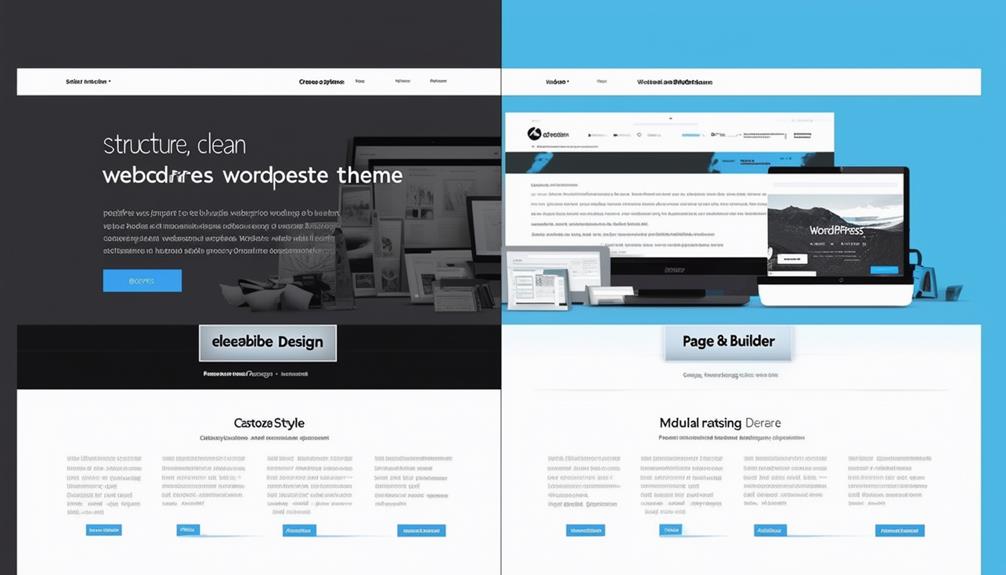
When comparing themes and page builders, it's crucial to understand how each tool influences your website's design and functionality. WordPress themes govern the overall look and layout of your site, managing elements like headers, footers, and default design settings. Conversely, page builders offer advanced customization options for individual pages, enabling you to create unique templates through drag-and-drop editing.
Here's a quick comparison:
| Aspect | WordPress Themes | Page Builders |
|---|---|---|
| Scope | Comprehensive website design and layout | Customization of individual pages |
| Control | Headers, footers, and default styles | Structural elements and design details |
| Customization | Limited to theme options | Advanced, with drag-and-drop functionality |
| Usage | Consistent throughout the site | Unique designs for specific pages |
Themes determine the appearance of different sections of your website, providing a cohesive look. On the other hand, page builders enable detailed changes, from structural elements to intricate design details, offering more flexibility. For instance, page builders like Elementor Pro even feature theme builder options for visual customization, allowing you to craft unique website templates.
In the debate between WordPress Themes and Page Builders, the primary difference lies in the level of design and customization options available. While themes set a consistent site-wide layout, page builders allow for advanced, granular adjustments on individual pages.
Pros and Cons of Themes
When you choose a WordPress theme, you benefit from quick setup and built-in functionality. However, you might encounter limits in design flexibility. Themes often ensure a consistent design and layout, but they can slow down your site with unnecessary features. Compared to page builders, themes generally offer fewer customization options, which can affect your site's uniqueness.
Design Flexibility Limits
WordPress themes come with pre-defined layouts and styles, which can often limit your design flexibility. When comparing WordPress themes to Page builders, it's essential to recognize these design constraints. Although themes are quicker and more straightforward to set up, they may restrict your ability to create custom designs or make significant changes beyond basic elements like color schemes, fonts, and minor layout adjustments. This could be a limitation if you desire a unique look for your WordPress website.
To illustrate the differences clearly:
| Aspect | WordPress Themes | Page Builders |
|---|---|---|
| Flexibility | Limited design flexibility | High flexibility |
| Setup Time | Quick and straightforward | Requires more time and effort |
| Customization Options | Basic (colors, fonts, limited layout changes) | Extensive (drag-and-drop, custom elements) |
Themes are ideal for users seeking a simple website design process without extensive customization needs. They provide a consistent design across all pages, ensuring a cohesive visual experience. However, if significant layout adjustments are necessary, a Page builder might be a more suitable choice. In the WordPress theme vs. Page builder debate, consider your specific need for flexibility and customization when deciding which tool to use for your WordPress website.
Built-in Functionality Range
Now let's explore how WordPress themes offer a variety of built-in functionalities that can streamline your website management. Themes provide a cohesive set of layout elements, ensuring consistency across your website. They control default layouts for important pages, including blog posts, 404 pages, and category pages, saving you from the hassle of extensive customization.
One of the major benefits of using themes is their extensive design elements. Default font types, sizes, and background colors are pre-set to create a unified look throughout your site. This means you don't have to manually adjust these aspects for each page. Themes also offer customization options for managing content elements such as comments, author information, and metadata.
Themes excel in controlling section widths, spacing, and positioning, which can improve the user experience. You can easily adjust these layout elements to fit your design needs without delving into complex coding. This built-in functionality helps you maintain a professional and visually appealing site with minimal effort.
However, the downside is that these built-in functionalities can sometimes limit your creative freedom. You are often constrained by the predefined customization options and design elements, which might not fully align with your vision.
Performance and Speed
Selecting the right WordPress theme significantly impacts your website's performance and loading speed. When you choose a theme, you are not only selecting a design but also determining how efficiently your site will function. Lightweight themes, such as Astra, prioritize speed and performance, enhancing the user experience. Conversely, unoptimized themes can slow down your site, resulting in higher bounce rates and dissatisfied visitors.
Here are three essential points to consider:
- Excessive Code Impact: Some themes include unnecessary code that can degrade your website's performance. This surplus code slows down loading times, potentially deterring users before they engage with your content.
- Benefits of Optimized Themes: An optimized theme ensures faster loading speeds and a smoother user experience. This is crucial for maintaining high performance and keeping your visitors engaged.
- Page Builders and Performance: Themes with built-in page builders may introduce additional code and features, which can affect your site's speed. While these features can be beneficial, improper management can lead to slower site performance.
Pros and Cons of Page Builders
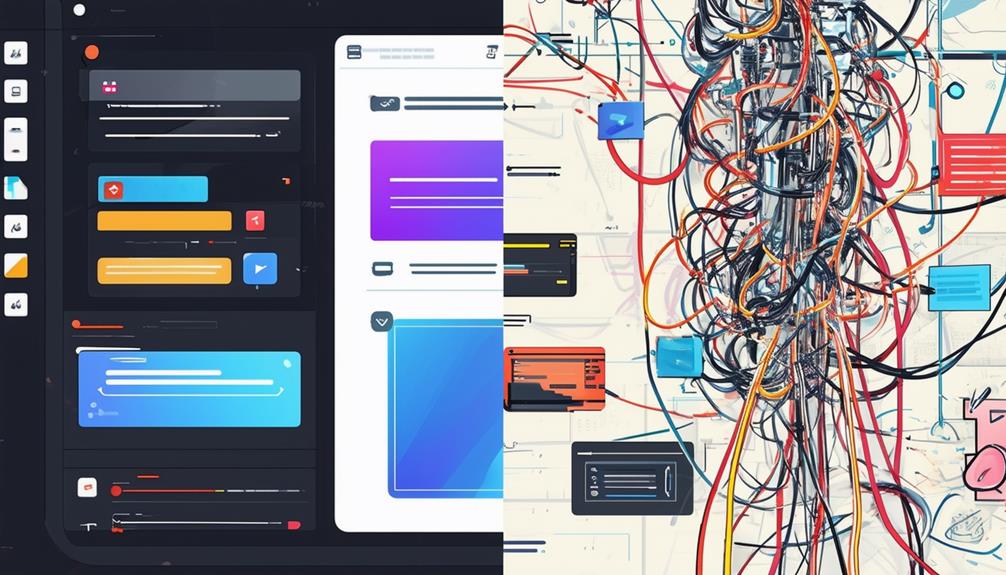
When considering page builders, you'll appreciate their user-friendly interfaces and extensive design flexibility. However, be aware that these tools can impact your site's performance and may require manual adjustments for optimal responsive design. Weighing these pros and cons will help you determine if a page builder aligns with your requirements.
User-Friendly Interface
Page builders like Elementor offer a drag-and-drop interface that simplifies customization, making it accessible for both beginners and experienced users. The intuitive visual editor allows for real-time changes to your website layout, enhancing the user experience.
One of the major benefits is the extensive range of customization options. Users can modify elements and sections without any coding knowledge, thanks to the drag-and-drop interface. Additionally, pre-designed templates expedite the design process, enabling the rapid creation of professional-looking sites.
However, there are some drawbacks to consider:
- Performance Issues: Page builders can slow down your website, impacting load times and overall performance.
- Learning Curve: Although user-friendly, the plethora of features can be initially overwhelming for some users.
- Limited Flexibility: Despite numerous customization options, there may be limitations compared to custom-coded solutions.
Design Flexibility
Beyond a user-friendly interface, page builders excel in offering design flexibility, allowing users to create unique layouts, headers, and content sections with ease. Unlike traditional WordPress themes, page builders provide advanced customization options through drag-and-drop editing. This means you can customize your website's design without needing to delve into code or modify the theme's core structure.
With page builders like Elementor, Divi, and Beaver Builder, you can effortlessly design and rearrange headers, footers, and various content sections. This flexibility empowers you to build a site that precisely matches your vision. Whether you're looking to create a full-width header, a multi-column layout, or intricate content sections, page builders give you the tools to do so.
However, this level of design flexibility comes with its pros and cons. On the plus side, you can customize individual pages with unique layouts and elements, giving your site a distinctive look. On the downside, the extensive options can sometimes be overwhelming, especially for beginners. Additionally, some page builders may add extra code to your site, potentially impacting performance. Nevertheless, the ability to design without constraints makes page builders a powerful tool for anyone looking to customize their WordPress site.
Performance Impact
Page builders can significantly influence website performance by introducing additional code and scripts, which may slow down page load times. While the drag-and-drop functionalities of page builders offer convenience, they often come with performance trade-offs. Complex design elements can increase the size of your web pages, adversely affecting loading speed.
Here's a detailed look at how page builders can impact performance:
- Inline CSS Styles: Many page builders generate inline CSS styles, which can enlarge page sizes and slow down loading times. This happens because styles are embedded directly into the HTML instead of being linked to an external stylesheet.
- HTTP Requests: Drag-and-drop features frequently result in an increased number of HTTP requests. Each added design element, script, or style means more requests for the browser, which can degrade website performance.
- Additional Code: The extra code and scripts introduced by page builders can bloat your site. This increased payload affects loading speed, leading to a less smooth user experience.
To mitigate these issues, focus on optimizing images and minimizing unnecessary elements. This can help balance the ease of using page builders with the requirement for efficient website performance.
Choosing the Right Option
Choosing the right option between WordPress themes and page builders depends on your website's specific needs and your design expertise. If you seek a straightforward setup and consistent design across your site, a theme may be your best choice. WordPress themes provide a cohesive look and feel, making them ideal for users who prioritize ease of use and uniformity. However, if customization and flexibility are your main goals, a page builder like Elementor or Divi might be more suitable. These tools offer advanced design options that allow you to tailor individual pages to meet your exact needs.
Carefully consider your project requirements. If you need a unique, highly customized website, a page builder offers the creative freedom and detailed control necessary. Conversely, themes are perfect for a simpler, more streamlined approach. Assess your comfort level with design tools and your willingness to invest time in learning them. Ultimately, the right choice depends on balancing ease of use, design flexibility, and your specific website needs. Take your time to weigh these factors and choose the solution that best aligns with your goals.
Conclusion
Ultimately, choosing between WordPress themes and page builders depends on your specific needs. If you require a quick setup with a consistent design, opting for a theme is ideal. However, if you seek greater flexibility and unique customization options, a page builder like Elementor Pro is more suitable. Carefully assess the advantages and disadvantages of each approach to determine what aligns best with your website goals. The right choice will empower you to create a site that truly stands out.