Is Wordpress Good for Design Portfolio?

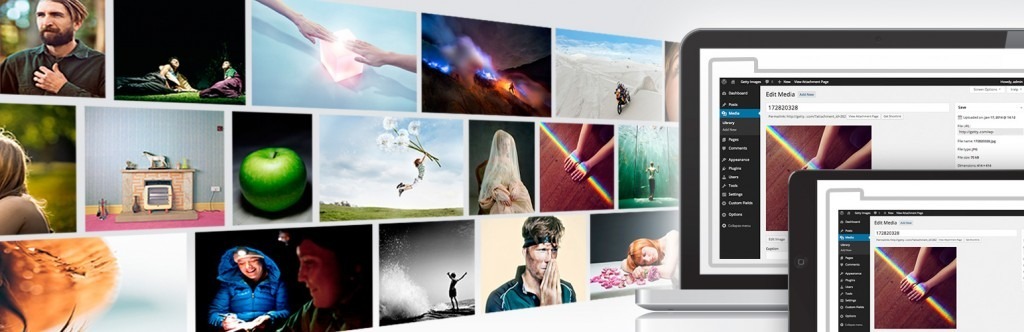
WordPress is a fantastic choice for your design portfolio. It's highly popular for its customizable themes and intuitive interface, letting you showcase your work beautifully without needing coding skills. You'll find thousands of themes and plugins to improve functionality and design. Be aware of potential challenges like performance issues from excessive plugins and regular maintenance for security. Optimizing with caching plugins and lazy loading can elevate speed, ensuring a smooth viewer experience.
Accessibility tools help maintain compliance with legal standards, broadening your site's reach. Interested in getting the most out of WordPress for your portfolio? There's much more to contemplate.
Benefits of Using WordPress
In the context of showcasing your design portfolio, WordPress offers a multitude of benefits. As the most popular CMS globally, it provides a robust platform supported by a vast community. This means you'll have access to extensive resources and help when setting up and maintaining your portfolio. One of the standout features is the availability of thousands of customizable WordPress themes, enabling you to create a unique and visually appealing space to showcase your work.
These themes can be tailored to fit your style and preferences, ensuring your portfolio accurately reflects your design aesthetic. Furthermore, WordPress's user-friendly interface is a significant advantage. It allows you to easily update and manage your portfolio content without needing extensive technical skills. This means you can focus more on your creative work rather than technical details. Additionally, WordPress comes with built-in SEO-friendly features and plugins like Yoast SEO, which can boost your search engine rankings.
This increased visibility means more potential clients can find your design talents. The platform's regular updates and a large support community also improve security and functionality, making WordPress a reliable choice for any designer looking to showcase their work effectively. WordPress's flexibility and customization allow you to access over 40 free themes and 55,000+ plugins, making it an ideal choice for creating a tailored design portfolio.
Challenges With Wordpress
Diving into the challenges of using WordPress for your design portfolio, you might encounter performance issues if your site is bogged down with too many plugins, which can slow loading speeds and turn away potential clients. A sluggish site could be the difference between landing a project or losing potential business. The more plugins you pile on, the slower your site may become, leading to frustration for visitors trying to view your work.
Security vulnerabilities are another concern. WordPress is a popular target for hackers, making your portfolio's content susceptible if you're not careful. Regular updates and maintenance are essential to safeguarding your site, but they can be time-consuming and often require technical know-how. Implementing strong security practices can protect both your business and users from potential threats.
Customization complexity presents its own set of hurdles. If you're not familiar with coding, creating a unique and professional-looking portfolio might seem challenging. WordPress offers flexibility, but achieving the desired look often demands a steep learning curve, which can be a barrier for non-coders.
Additionally, compatibility issues between themes and plugins can disrupt your site's functionality, leading to broken elements or design inconsistencies. These challenges can make managing a WordPress design portfolio more strenuous than initially anticipated.
Customization Options Available
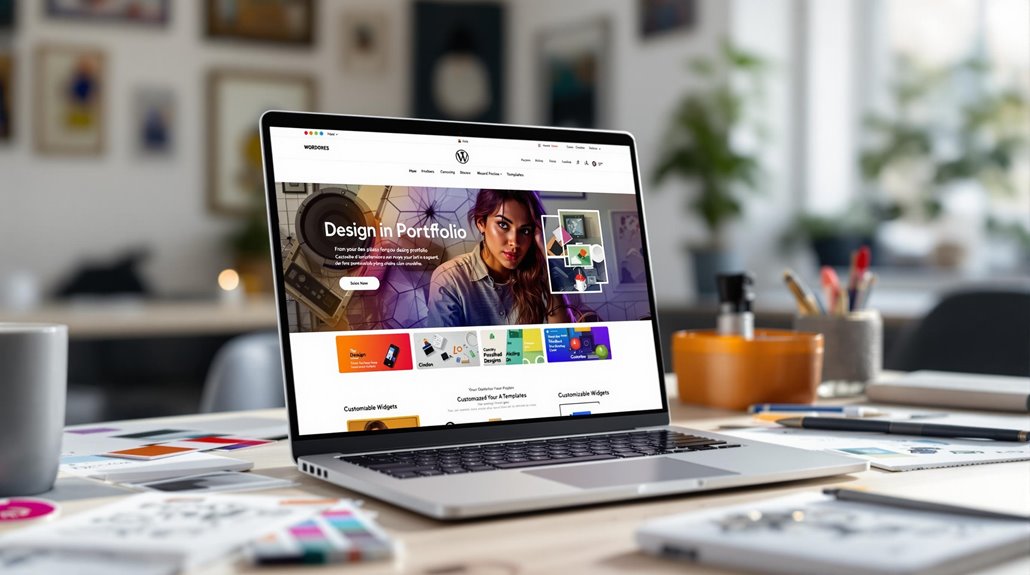
While WordPress presents some challenges for design portfolios, it also offers a wealth of customization options to help you create a standout site. With thousands of portfolio themes to choose from, WordPress lets you select visually appealing layouts that align with your style and profession. Regardless of whether you're a minimalist or someone who loves intricate designs, there's a theme for everyone. A particularly popular choice is the Divi theme, which comes equipped with over 2000 pre-designed layouts and a Visual Builder. This drag-and-drop feature allows you to easily customize your portfolio without needing extensive coding knowledge.
To further improve your site, there are countless plugins available. These plugins can add numerous functionalities that elevate your portfolio, such as:
- Contact Forms: Make it easy for potential clients or employers to reach out.
- Galleries: Showcase your best work in a visually engaging way.
- SEO Optimization: Improve your site's visibility on search engines.
For those with coding skills, WordPress allows custom theme and plugin development, enabling you to create unique features tailored specifically to your needs. Plus, its extensive community resources, including tutorials and forums, can support you in learning advanced customization techniques. Responsive design is crucial for accommodating the growing number of mobile users, ensuring your portfolio is accessible and visually appealing on all devices.
Optimizing Site Performance
Enhancing your WordPress design portfolio's performance is vital for providing a seamless user experience. To improve site speed, consider implementing lazy loading for images. This technique guarantees images load only when they're in the viewport, reducing initial load times and enhancing performance optimization. Moreover, utilizing caching plugins like W3 Total Cache can greatly enhance loading speed.
By storing a static version of your site, these plugins allow returning visitors to access your portfolio quickly. Regularly conducting audits with tools like Google PageSpeed Insights is critical. These audits can identify performance bottlenecks and offer actionable insights to optimize your site further. It's significant to monitor site performance metrics such as bounce rate and page load time.
This data can guide your design decisions, confirming your portfolio remains user-friendly and efficient. Balancing your SEO strategies with performance optimization is fundamental. Using an SEO plugin can help maintain your search engine rankings, but make certain it doesn't compromise your site's speed. Incorporating a CDN service can further enhance loading speeds by distributing content across global servers.
By focusing on both aspects, you guarantee a smooth user experience while keeping your site visible. Keep these tips in mind to maintain a high-performing WordPress design portfolio.
Ensuring WordPress Security
A robust WordPress security strategy is vital for protecting your design portfolio from potential threats. You want to ascertain that all your hard work isn't compromised, and implementing a few key measures can go a long way. Start by making regular backups of your site. Using plugins like UpdraftPlus automates this process, allowing you to quickly recover data if needed.
Here are three fundamental steps to improve your WordPress security:
- Install Security Plugins: Utilizing strong security plugins such as Wordfence or Sucuri helps monitor vulnerabilities. They provide firewall protection to keep threats at bay and confirm your portfolio remains safe.
- Keep Everything Updated: Hackers often exploit outdated software. Keep your WordPress core, themes, and plugins updated. Consider setting up automatic updates to reduce the risk of security breaches.
- Improve Login Security: Implement two-factor authentication (2FA) and enforce strong password policies. This supplementary layer of security considerably reduces the chance of unauthorized access to your admin accounts.
Finally, secure your site with SSL certification. It protects user data during transmission and elevates your SEO rankings, as search engines favor secure sites. Additionally, consider using Brute Force Protection to limit login attempts and enhance security further. By following these steps, you can confidently showcase your design portfolio on WordPress.
Enhancing Usability and Accessibility
Many often overlook the importance of usability and accessibility when creating a design portfolio on WordPress. However, prioritizing these elements is vital to reaching a wider audience and guaranteeing your portfolio is inclusive. Adhering to WCAG standards is a great start, as it guarantees your design portfolio is accessible to users with disabilities.
This not only promotes inclusivity but also improves your reputation as a thoughtful designer. To further ensure compliance, it's crucial to regularly review legal standards related to digital content to avoid penalties and maintain accessibility. To identify accessibility issues, you can use tools like WAVE or Axe. These tools help pinpoint areas that need improvement, allowing for timely corrections. Improving usability doesn't stop there; incorporating keyboard navigability and screen reader support is fundamental for individuals who rely on assistive technologies.
Conducting user testing with a diverse group of people can reveal usability challenges you might not have considered. These insights are invaluable for making iterative improvements. Regular updates based on user feedback and analytics can greatly improve the user experience, making your portfolio more engaging and intuitive.
By focusing on accessibility and usability, you not only broaden your audience but also demonstrate your commitment to creating an inclusive and user-friendly design portfolio.
Handling Stakeholder Feedback

When managing the diverse perspectives of stakeholders in your WordPress design portfolio, it's essential to establish a solid framework for handling feedback. This guarantees that the feedback process aligns with both user needs and design objectives. Start with a user-centered design approach to guide decisions. This way, you can prioritize user experience and keep the project on track. Here's how you can effectively handle stakeholder feedback:
- Facilitate Workshops: Engage stakeholders through workshops to foster collaboration. These sessions help clarify design expectations and reduce potential conflicts. By bringing everyone together, you can ascertain that all voices are heard and aligned.
- Prioritize User Research: Focus on findings from user research rather than subjective opinions. This keeps the design process grounded in real user needs, assuring that the final product is both functional and intuitive.
- Use a Decision Matrix: Create a decision matrix to evaluate feedback based on project goals. This tool helps you objectively assess and prioritize changes, safeguarding the project's integrity and alignment with user-centered design principles.
Implementing clear guidelines for content creation can ensure consistency and quality, aligning your portfolio with both stakeholder expectations and user needs.
Remember to document all feedback and decisions. This transparency not only builds trust but also serves as a valuable reference for future projects.
Choosing the Right Themes and Plugins
Why is selecting the right themes and plugins so essential for your WordPress design portfolio? The theme you choose dictates the aesthetic and layout of your site, serving as the foundation for your online presence. Options like Astra and Divi offer extensive customization with pre-designed layouts tailored for creative professionals, allowing you to showcase your work effectively. A well-chosen portfolio theme guarantees your site is visually appealing and functional, attracting potential clients and collaborators.
Plugins complement your theme by improving functionality without the need for advanced coding skills. For instance, plugins like Envira Photo Gallery and NextGen Gallery provide advanced image management features, allowing you to present your work in a variety of gallery styles. These plugins enhance the visual appeal and interactivity of your portfolio, making it more engaging for visitors.
Moreover, confirm your chosen themes are responsive to maintain a consistent experience across all devices, as mobile traffic accounts for over half of web visits. Regularly updating both themes and plugins is essential for security and performance, as outdated versions can pose vulnerabilities. High user ratings often indicate well-structured code, ensuring your site runs smoothly and efficiently. By carefully selecting and maintaining your themes and plugins, you maximize your portfolio's potential and user experience.