What Is the Best Free Image Compressor for Wordpress?
The best free image compressor for WordPress is Smush. It offers unlimited lossless compression, ensuring your images retain their quality while reducing file size. This plugin helps speed up your site, enhancing user experience and improving SEO. Smush is praised for its ease of use and includes features like lazy loading and resizing, which are perfect for managing high image volumes. Unlike some competitors, there's no restriction on the number of images you can compress for free.
If you're interested in understanding how these features can greatly enhance your website's performance, there's more to uncover.
Why Image Compression Matters
In the domain of website management, image compression is vital because unoptimized images can slow down your site, leading to a poor user experience and higher bounce rates. Faster page load times are key, not only for keeping visitors engaged but also for improving your SEO rankings. Search engines love speedy websites, and optimizing images plays a major role in achieving this. By compressing images, you can reduce their file size by up to 80% without sacrificing quality, which greatly improves overall performance.
Optimized images enhance overall site performance and user retention, as faster loading times lead to a more satisfying browsing experience. You might not have the skills to manually edit and optimize images, but image optimization plugins can help automate this process. These plugins streamline image compression, making it easier to maintain an efficient media library in platforms like WordPress. This efficiency doesn't just enhance user experience; it also reduces storage costs, which can add up over time.
Performance optimization through image compression is a win-win for both you and your audience. Ultimately, by optimizing images, you're ensuring faster load times, a better user experience, and improved SEO rankings. Your website's performance optimization becomes a seamless process when you utilize the right tools and techniques.
Top Free Image Compressor Tools
When managing a WordPress website, finding the right image compressor tools can greatly improve your site's performance. Among the top free options available, ShortPixel Image Optimizer stands out by offering lossless compression for up to 100 images monthly. It supports formats like JPG, PNG, and PDF, ensuring your images maintain high quality.
EWWW Image Optimizer takes the lead in providing unlimited image optimization. With its server-side processing, it offers lossless compression for different formats, including GIF and PDF, making it a versatile choice for WordPress users seeking efficient solutions.
If you want a more hands-off approach, reSmush.it automatically optimizes images as you upload them, with an adjustable quality slider. It's ideal for free image compression, though keep in mind it limits images to under 5MB.
For those handling a larger volume, Compress JPEG & PNG Images by TinyPNG allows you to optimize up to 500 images per month, supporting metadata retention.
Lastly, Smush offers unlimited lossless image compression and extra features like lazy loading and resizing, making it a popular WordPress image optimizer plugin to improve performance without spending a dime. For enhanced performance, consider using a CDN Service to ensure faster loading speeds and improve user experience.
Comparing Image Compressor Features
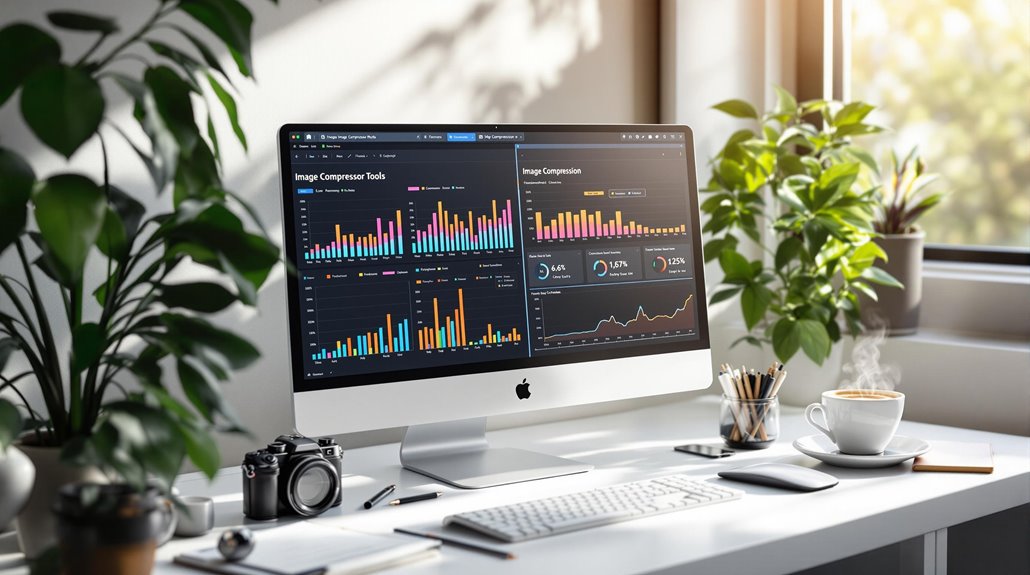
Exploring image compressor features helps you determine the best tool for your WordPress site. Several tools stand out, each offering unique capabilities for free image optimization. Here's a quick comparison:
- EWWW Image Optimizer: This tool shines with its unlimited optimization and lossless compression, making it perfect for anyone who doesn't want restrictions on image quantity. While it doesn't offer WebP conversion in the free version, it's a solid choice for maintaining image quality without cost.
- Smush: With Smush, you get unlimited lossless compression for free. However, if you need WebP conversion, you'll have to go Pro. It's a great option if you prioritize quality and have numerous images to compress without worrying about monthly limits.
- ShortPixel: While the free plan limits you to 100 images per month, ShortPixel offers flexibility with its multiple compression types like lossy, glossy, and lossless. This feature helps you balance image quality according to your needs.
To improve your site's speed and performance, implement lazy loading as a best practice to ensure images load efficiently.
User Reviews and Feedback
User reviews offer valuable insights into which free image compressors stand out for WordPress users. Many users highlight Smush for its unlimited free version, allowing lossless compression without any image count restrictions. This feature makes it especially appealing to budget-conscious site owners who still want efficient image compression. EWWW Image Optimizer also receives positive user feedback due to its server-side optimization and lack of API restrictions, providing unlimited use in its free version.
These capabilities resonate well with users looking for seamless image compression solutions without the hassle of limits. reSmush.it earns praise for its ease of use, especially for those who appreciate a simple interface. The ability to adjust quality settings using a slider allows users to control their image compression preferences effortlessly. On the other hand, Compress JPEG & PNG Images by TinyPNG is recognized for its straightforward interface and effective lossy compression, with users appreciating the option to optimize up to 500 images each month for free.
For WordPress users seeking additional functionality, Jetpack provides features like CSS customization and social sharing options, which can enhance overall site performance.
Image Quality vs. File Size
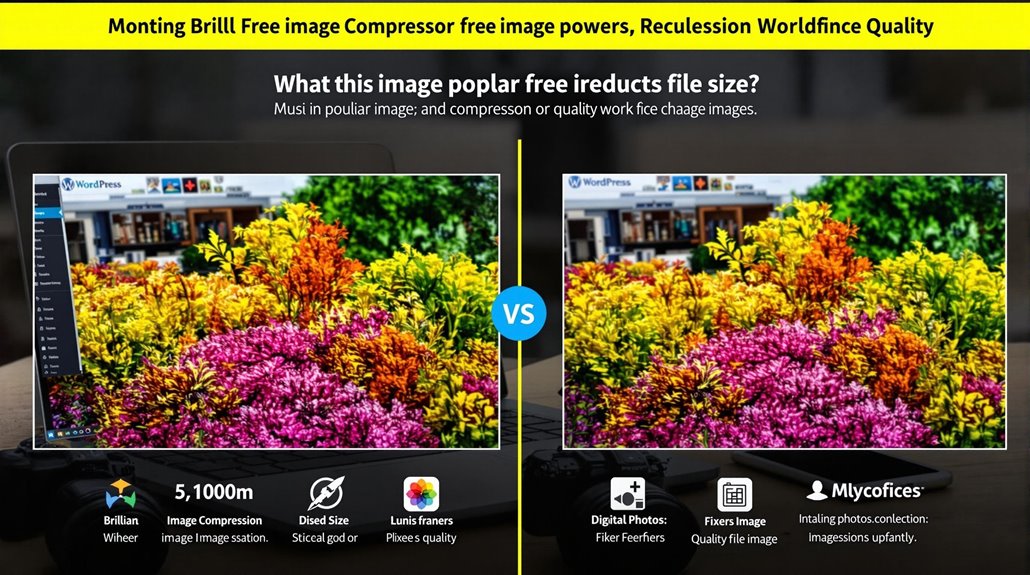
Balancing image quality against file size is an essential consideration for WordPress users aiming to optimize their websites. It's a delicate dance between achieving effective compression and maintaining the visual integrity of your images. Lossy compression can greatly reduce file size but might introduce compression artifacts, while lossless compression maintains original quality at a smaller size. Here are some things to keep in mind:
- Consider the Compression Method: Lossless compression, as showcased by Optimole with a 64% PNG size reduction, guarantees image quality is preserved. In contrast, lossy methods can compromise quality for a more substantial file size decrease.
- Test for Visual Fidelity: It's imperative to test different plugins to verify they retain the desired quality. EWWW Image Optimizer, for example, achieved a 54.24% reduction in JPEG size with lossless quality, highlighting that numbers alone can be misleading. Always verify the visual integrity post-compression.
- Purpose of Use: Determine the intended use of your images. For web display, smaller file sizes improve loading times and user experience. However, for print or high-resolution needs, prioritize image quality over file size.
Utilizing responsive images ensures that each user sees the best-suited image size for their device, further optimizing performance.
Troubleshooting Common Issues
After achieving the right balance between image quality and file size, you might still face some challenges during implementation. Troubleshooting issues like images not displaying correctly can be frustrating. Often, this problem arises after removing an image compression plugin. Deactivating cache plugins is a simple step that can resolve this issue by clearing outdated cached versions of your images. Implementing caching plugins not only enhances site speed but also improves load times, which can positively impact user experience and SEO performance.
Always maintain a backup of your original images. This precaution protects you from losing files due to plugin conflicts. Image optimization involves changes that could overwrite your original files, so backups are necessary. If problems persist, reach out to plugin developers. They offer specific support and troubleshooting guidance to address any issues you encounter. Avoid using multiple compression plugins simultaneously, as this can lead to conflicts and unexpected results. Stick to one reliable plugin to guarantee smoother operation. Regular functionality updates from plugin authors not only improve performance but also fix bugs that may impact your site during image compression.
Keeping your plugins up to date is vital for peak functionality. By following these strategies, you can tackle common image optimization issues and maintain a flawless WordPress site.